You should not have to wonder what is happening at home when you are at work, on vacation, or just across town. If you are looking for how to monitor home remotely, the real goal is not simply checking a camera feed. It is knowing your home is protected, being able to respond quickly, and having one reliable system that keeps you informed without making security feel like a second job.
Remote home monitoring has changed a lot in the last few years. It is no longer limited to a doorbell camera and a phone notification. A well-designed system can show you who is at the front door, tell you when a window opens, let you lock the door from your app, alert you to smoke or flooding, and connect you to 24/7 professional monitoring when something needs immediate attention. That difference matters, especially if you want more than a basic DIY setup.
How to monitor home remotely without gaps
The biggest mistake homeowners make is treating remote monitoring like a single device purchase. In practice, remote home protection works best as a connected system. Cameras help you see what is happening, but cameras alone do not tell the whole story. If someone enters through a side door, if a pipe leaks under the sink, or if smoke is detected while you are away, you need more than video.
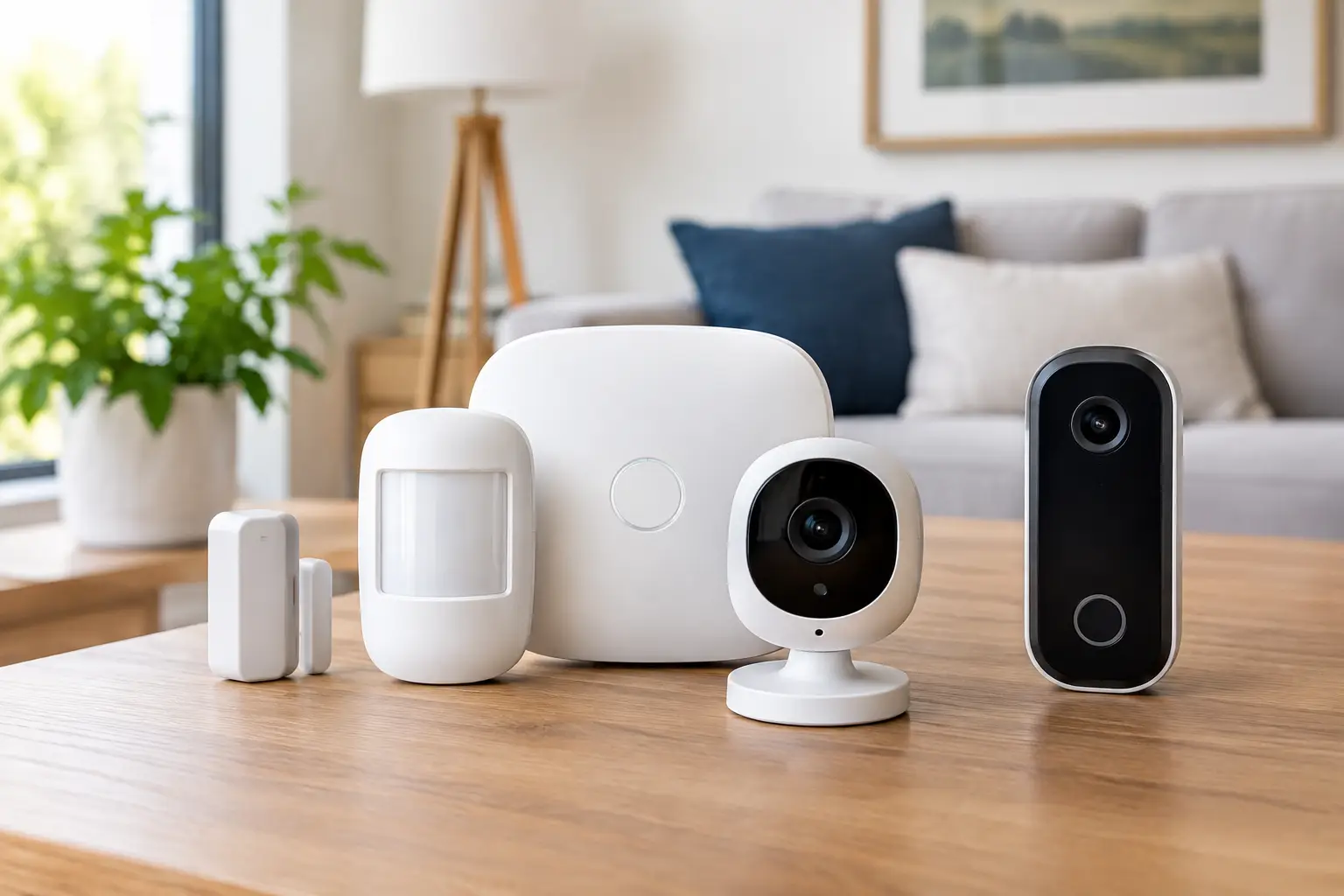
A complete setup usually starts with a smart security panel and a mobile app. From there, door and window sensors, motion detectors, indoor and outdoor cameras, a video doorbell, smart locks, garage control, and environmental sensors each add a layer of awareness. When these devices work together, remote monitoring becomes much more useful. Instead of piecing together alerts from different apps, you get a clearer picture of what is happening and what action to take.
That is also where professional installation can make a real difference. Device placement affects everything from motion detection accuracy to camera visibility and Wi-Fi performance. If a front porch camera misses package drop-offs or a motion sensor is aimed poorly, the technology may be working but the protection is weaker than it should be.
The core tools you need to monitor your home remotely
If your main priority is security, start with the devices that help you detect, verify, and respond. A video doorbell is often the first step because it covers one of the most active areas of the home. You can see visitors, talk to delivery drivers, and get alerts when someone approaches the door.
Outdoor cameras extend that visibility to driveways, backyards, garages, and side entrances. Indoor cameras can add another layer when you want to check on kids after school, verify whether a pet sitter arrived, or confirm what triggered an alarm. Not every home needs a camera in every room, and many homeowners prefer a more selective setup for privacy reasons. That trade-off is worth thinking through before installation.
Sensors are just as important as cameras. Door and window contacts let you know when an entry point is opened. Motion detectors can identify movement inside the home when the system is armed. Glass break sensors may make sense for homes with large first-floor windows or sliding doors. These tools do not replace video, but they often provide the earliest warning that something is wrong.
Environmental protection is another part of remote monitoring that people often overlook until they need it. Smoke detectors, carbon monoxide detectors, flood sensors, and water shutoff controls help protect more than your belongings. They help protect your home from the kinds of emergencies that can get worse fast when no one is there.
Why app control matters when learning how to monitor home remotely
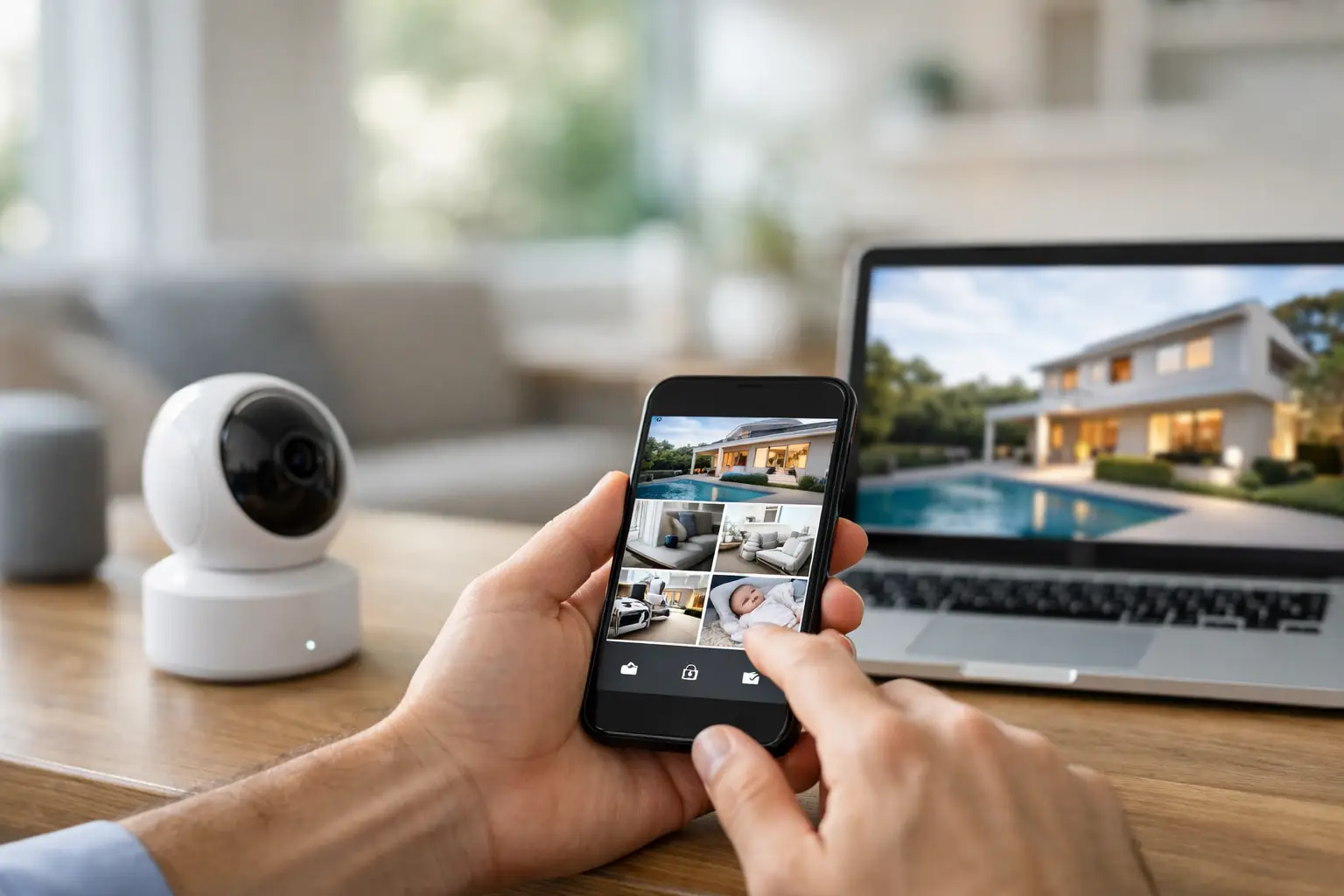
If you want to know how to monitor home remotely in a way that actually fits daily life, app control is central. A good mobile app should do more than send alerts. It should let you arm and disarm your system, view live and recorded video, answer the doorbell, lock or unlock doors, adjust smart lights, open or close the garage, and check the status of sensors from one place.
That convenience is not just about comfort. It shortens response time. If your phone tells you the garage door is still open, you can close it immediately. If a family member forgets their code, you can let them in without hiding a key. If a flood sensor detects water in the basement, you can act before a small leak becomes major damage.
Still, app access should not be your only line of defense. Notifications are helpful, but people miss them. Phones die. Meetings happen. Flights take off. That is why many homeowners move beyond self-monitoring and choose a professionally monitored system.
Self-monitoring vs professional monitoring
Self-monitoring gives you direct control and may sound simple at first. You receive the alert, you check the footage, and you decide what to do. For some people, that feels sufficient. But it depends on your availability, your attention, and how quickly you can respond in a stressful situation.
Professional monitoring adds another layer of protection. When an alarm is triggered, trained monitoring agents can review the event, verify activity when video tools are available, and help dispatch emergency response when needed. That is especially valuable during overnight hours, during travel, or anytime you cannot get to your phone right away.
There is a cost difference, of course, and that is where priorities come into play. If your goal is basic awareness, self-monitoring may cover part of the need. If your goal is consistent protection with support behind the scenes, professional monitoring is often the better fit. For many families, the peace of mind is worth it because the system is not relying on them to catch every alert in real time.
Remote monitoring works best when it is customized
No two homes have the same layout, traffic patterns, or security concerns. A townhouse may need a different setup than a large suburban home. A family focused on package theft may prioritize a doorbell camera and front-yard coverage. A homeowner with a finished basement may care just as much about flood detection and water shutoff as intrusion alerts.
This is one reason professionally designed systems tend to perform better than pieced-together equipment. The right setup considers blind spots, entry points, pet activity, lighting conditions, and how your household actually uses the space. It also leaves room to grow. You may start with intrusion detection and cameras, then add smart locks, thermostats, lighting, or garage controls later.
A scalable system matters because remote monitoring often starts with security and expands into everyday convenience. Once you can manage the home from one app, simple tasks become easier. You can confirm the kids got home, turn lights on before you arrive, unlock the door for a service provider, or make sure the house is secured for the night without walking room to room.
What to look for in a remote home monitoring system
Reliability should come first. That includes dependable device performance, stable app access, strong video quality, and backup options if internet service drops. Ease of use matters just as much. A system can have advanced features, but if the app is confusing or the alerts are poorly organized, it becomes frustrating fast.
Look for smart features that reduce noise instead of adding to it. Video analytics, person detection, and AI-enhanced deterrence can help filter out irrelevant motion and focus attention where it matters. That means fewer alerts triggered by passing cars or blowing branches and more relevant notifications when someone is actually approaching your property.
Support also matters more than many buyers expect. Remote monitoring is not only about hardware. It is about having a partner who can help with system design, installation, troubleshooting, and ongoing service. For homeowners who want dependable protection without spending weekends adjusting settings and replacing devices, that support is part of the value.
Fluent Home is built around that full-service approach, combining professional installation, smart security devices, app control, and 24/7 monitoring into one connected system that is designed around the way you live.
The right way to get started
If you are serious about how to monitor home remotely, start by identifying what you want to protect first. For some households, that is the front door and main entry points. For others, it is the whole perimeter, indoor awareness, and environmental safety. From there, the best next step is to choose a system that can bring those priorities together instead of making you manage separate devices on your own.
Remote access should make life easier, not more complicated. The strongest setups give you visibility when you want it, alerts when you need them, and real support when something goes wrong. That is what turns a collection of smart devices into actual peace of mind.
If your home security still depends on checking one camera and hoping nothing else is missed, it may be time for a smarter system that watches over more, responds faster, and helps you feel in control wherever you are.