A delivery driver crosses your porch, a neighbor walks a dog past the driveway, tree branches move in the wind, and a vehicle slows near the curb. A standard camera may treat all of it as motion. A smarter system helps you understand what deserves your attention. This guide to home video analytics explains how that difference can make home security more useful, less disruptive, and more proactive.
What Home Video Analytics Actually Do
Home video analytics use software to interpret activity captured by a security camera. Rather than simply recording video when pixels change, analytics can identify patterns and objects that may matter, such as a person approaching a door, a vehicle entering a driveway, or a package left on a porch.
The goal is not to replace your awareness. It is to filter out routine activity so you can respond faster when something unusual happens. Instead of opening your app to review a long list of clips triggered by shadows and passing cars, you can receive more relevant notifications and view the event that prompted the alert.
For many homeowners, that means better oversight of entry points, packages, vehicles, and outdoor areas. For small business owners, it can mean clearer visibility around doors, employee entrances, loading areas, and customer-facing spaces.
Guide to Home Video Analytics: The Features That Matter
Not every camera feature delivers the same value. The right setup depends on your property, daily routines, and the areas you want to protect. Still, several video analytics capabilities are especially practical for residential security.
Person detection
Person detection helps distinguish a human presence from general movement. This can reduce alerts caused by rain, insects, pets, or leaves. It is especially useful at a front door, side gate, driveway, or backyard where you want to know when someone enters a defined area.
This feature does have limits. A person partially blocked by a vehicle, fence, or poor lighting may be harder for a camera to identify. Proper camera placement and a clear view of the area are just as important as the analytic setting itself.
Vehicle detection
Vehicle detection can alert you when a car enters your driveway or stops in a monitored area. Homeowners may use it to keep track of arrivals, deliveries, or unfamiliar vehicles near the property. A business owner may use it to monitor activity near an entrance or designated parking area.
If your home is close to a busy street, vehicle detection should be paired with a carefully defined activity zone. Otherwise, ordinary traffic can create more notifications than you need.
Activity zones
Activity zones allow you to tell the camera where to pay attention. For example, a front-door camera can focus on the porch and walkway while ignoring the sidewalk. A backyard camera can prioritize a gate, patio door, or pool entrance instead of reacting to movement in neighboring yards.
This is one of the most valuable adjustments in any smart camera system. A camera pointed at the right location with poorly configured zones can still generate unnecessary alerts. When zones match the parts of your property that matter most, notifications become more meaningful.
Smart alerts and event clips
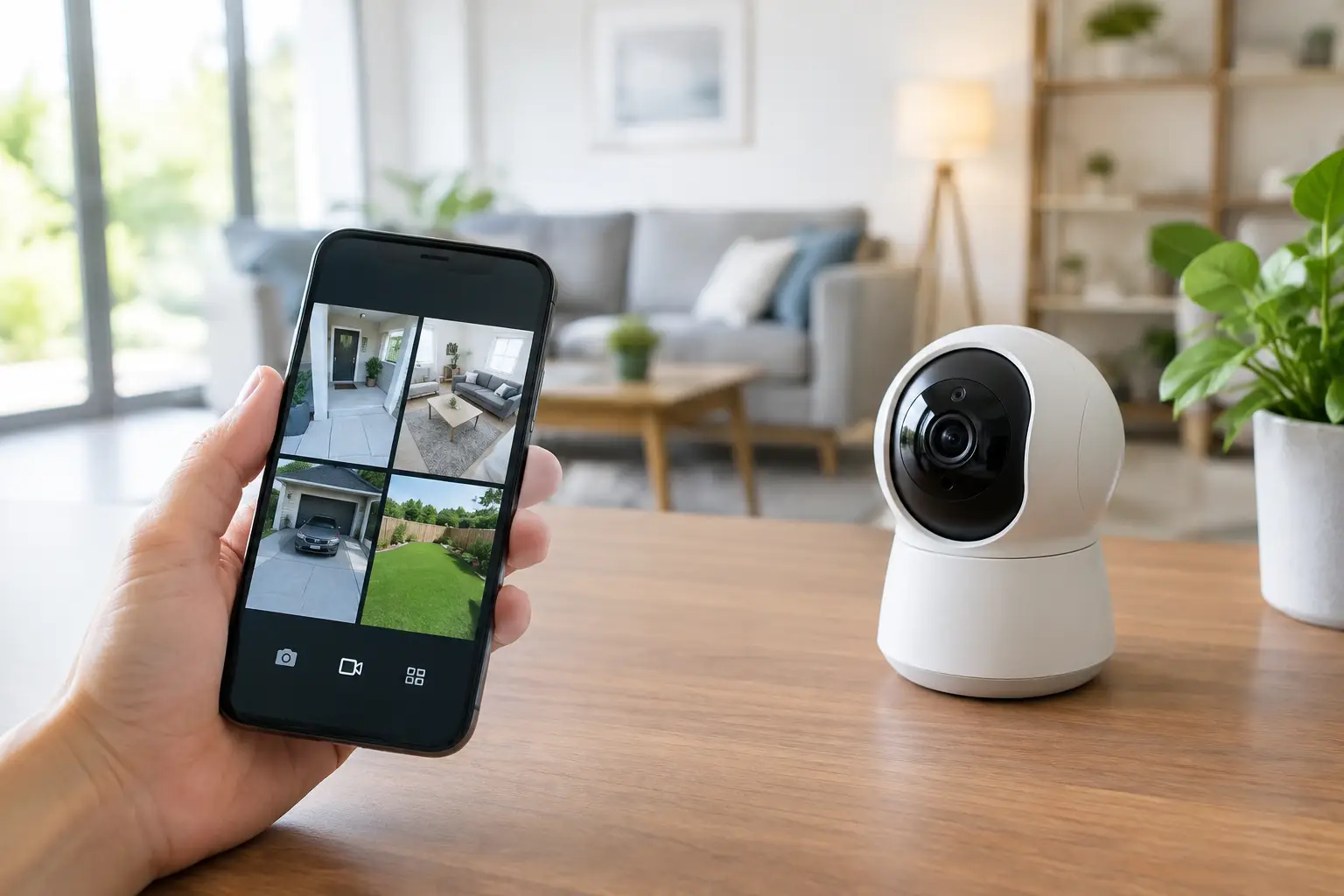
Smart alerts notify you about an identified event, while recorded clips let you see what happened. Together, they provide context. A notification that someone is at the front door is more useful when you can immediately view the video and decide whether it is a guest, delivery, or unfamiliar visitor.
The best alert settings are personal. Some households want instant notifications for every person at the door. Others prefer alerts only during work hours, overnight, or while the home is armed. Flexible settings help security fit your routine instead of interrupting it.
AI-enhanced deterrence and video verification
Advanced security systems can go beyond detecting activity. AI-enhanced deterrence may use visible lighting, audible warnings, or other programmed responses to make a monitored area less inviting to an intruder. When paired with professional monitoring and video verification, suspicious events can be assessed more quickly before emergency response is requested.
This is a meaningful distinction between a camera that documents an incident and a security strategy designed to help discourage one. It does not guarantee that every crime can be prevented, but it can add a layer of active protection when seconds matter.
Where Analytics Deliver the Most Value
The front entrance is often the first priority. A doorbell camera with person detection can help you check on visitors, monitor package deliveries, and see activity at the door from your mobile app. The driveway is another high-value area because it may capture approaching vehicles, garage access, and movement near parked cars.
Backyards and side yards deserve attention too. These areas are often less visible from the street and may include gates, patio doors, basement entrances, or equipment that needs protection. A well-positioned outdoor camera can cover access routes that a front-door device cannot see.
Inside the home, cameras can be useful for checking a main entryway, an attached garage, or a location where pets, caregivers, or service providers may be present. Indoor placement requires more discretion. Avoid private areas, communicate clearly with anyone who may be recorded, and use privacy controls when you are home.
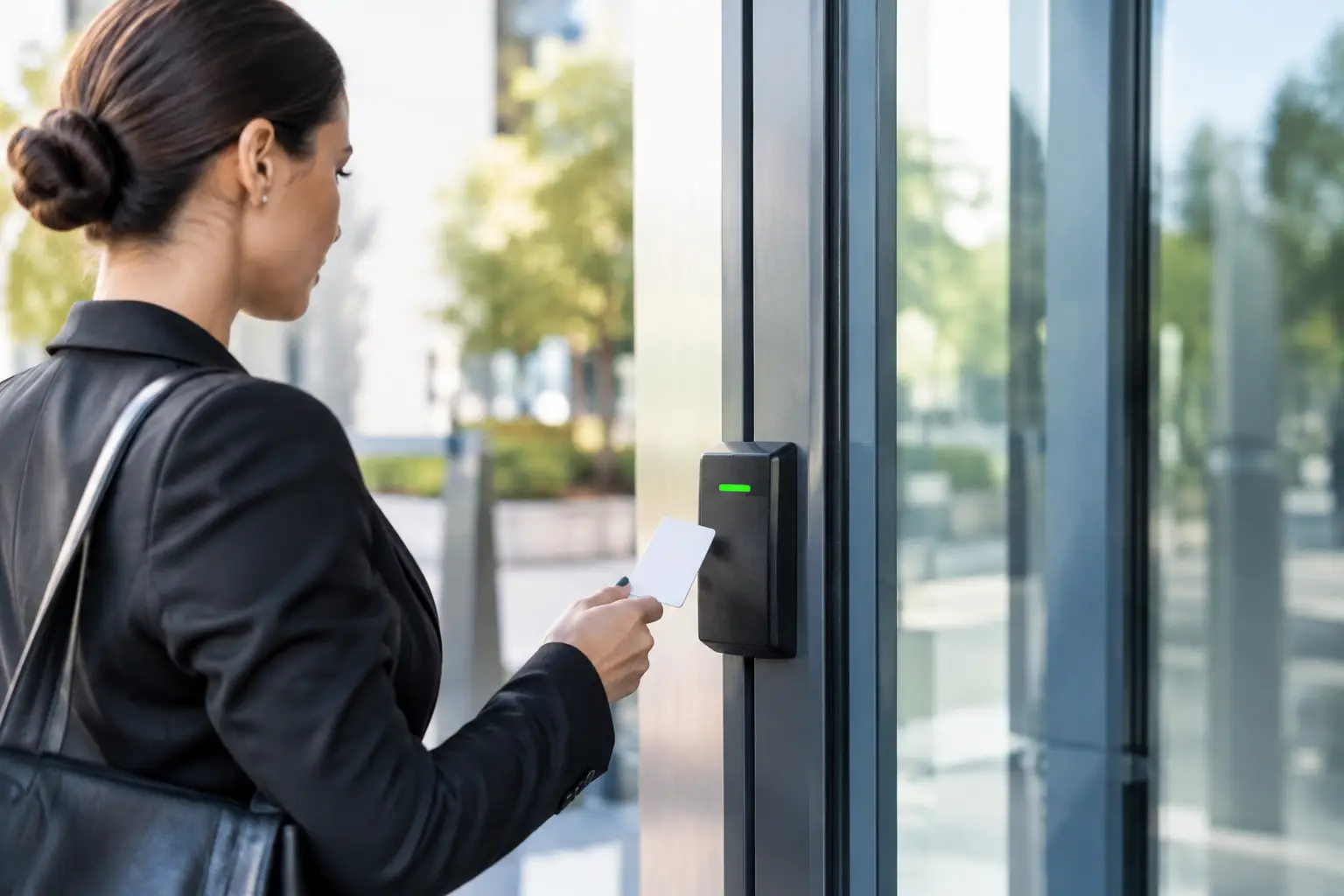
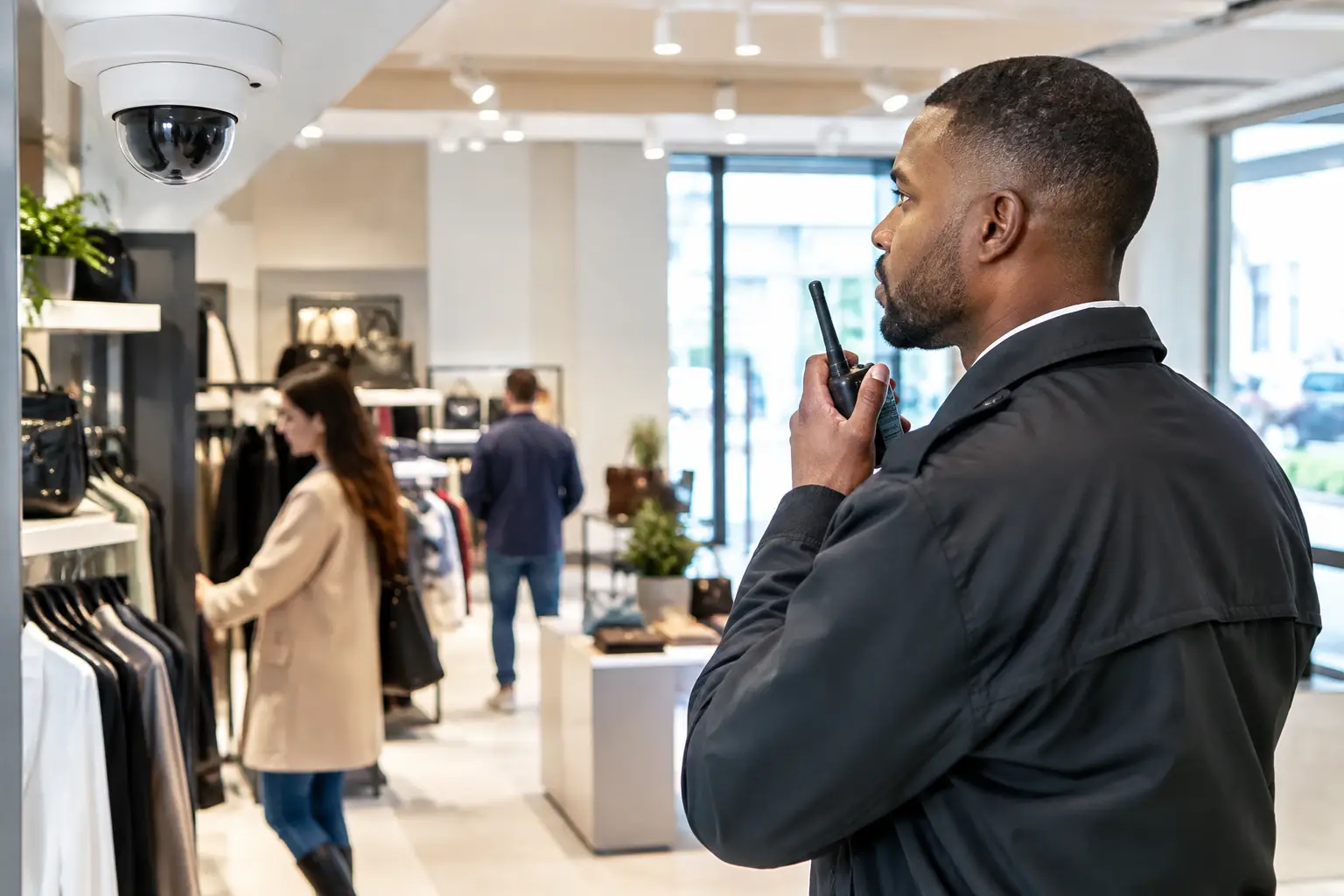
For small businesses, prioritize exterior doors, point-of-sale areas, storage rooms, and access-controlled entries. The objective is not to place a camera everywhere. It is to cover the locations where an alert or video record will help you make a faster, better decision.
Better Analytics Start With Better Installation
Video analytics cannot compensate for a camera aimed at the sky, blocked by landscaping, or mounted too far from the activity you need to see. Professional installation helps ensure that cameras are positioned for useful views, dependable connectivity, and practical coverage.
Height matters. A camera installed too low may be easier to tamper with, while one installed too high may fail to capture facial details or package activity. Lighting matters as well. Strong backlighting can obscure a subject, and poorly lit areas may require a camera designed for low-light or night vision performance.
Your installer should also consider your home’s layout and routine. A family with frequent deliveries may need stronger front-porch coverage. A homeowner with a detached garage may need a camera and sensor strategy that protects both the building and the path between it and the house. There is no single camera layout that works for every property.
How to Avoid Alert Fatigue
Too many notifications can lead people to ignore the ones that matter. The answer is not necessarily turning alerts off. It is setting them up with purpose.
Start with the most important areas, such as doors, driveways, and gates. Create activity zones that exclude sidewalks, roads, waving trees, and neighboring property where possible. Then choose the events you want to receive, such as people after a certain hour or vehicles in the driveway during the workday.
Review your settings after the first week. If you are receiving repeated alerts from the same harmless source, adjust the zone or sensitivity. If an important area is not producing useful clips, consider whether the camera angle, lighting, or coverage needs to change. Small refinements can make a major difference in daily usability.
Privacy and Security Should Be Part of the Plan
A smart camera protects more effectively when the account behind it is protected too. Use a strong, unique password for your security app, enable available account security features, and only share access with people you trust. Remove access for former tenants, employees, house sitters, or anyone who no longer needs it.
Respecting privacy also means aiming cameras at your own property whenever possible. Avoid recording areas where neighbors reasonably expect privacy. If cameras are used in a business, establish clear policies so employees understand where cameras are installed and how video is used.
Build a System That Can Respond, Not Just Record
Video analytics are most effective when cameras work with the rest of your security system. A door sensor can confirm an entry point opened. A smart lock can help you manage access. Outdoor lighting can improve visibility. Professional monitoring can provide another layer of support when an alarm event needs attention.
Fluent Home can help design a professionally installed system around the places and events that matter most to you. The practical next step is to consider the one area of your home or business where better visibility would give you the most peace of mind, then build outward from there.