A front door is more than a way in. It is where packages arrive, kids come home, service professionals check in, and many security concerns begin. Learning how to automate entry points gives homeowners and business owners more control over who comes and goes, whether they are on the property or checking in from miles away.
The right system does more than replace a key with an app. It connects smart locks, cameras, sensors, lighting, garage controls, and professional monitoring into a coordinated response. That means your property can notify you about activity, help deter unwanted visitors, and make routine access easier for the people you trust.
Start With the Entry Points That Matter Most
Every property has a different risk profile. For a home, the front door, back door, garage, side gate, and first-floor windows are often the highest-priority areas. For a small business, consider employee entrances, customer-facing doors, delivery doors, storage areas, and gates.
Start by identifying three things at each location: who needs access, when they need it, and what should happen when activity occurs. A front door used by family members needs convenient everyday access. A seldom-used side door may need a stronger alert response. A commercial delivery entrance may need scheduled access and recorded video verification.
This assessment keeps automation practical. You do not need the same rules for every opening. A professionally designed system can match devices and settings to the way your property actually operates.
How to Automate Entry Points With Smart Locks
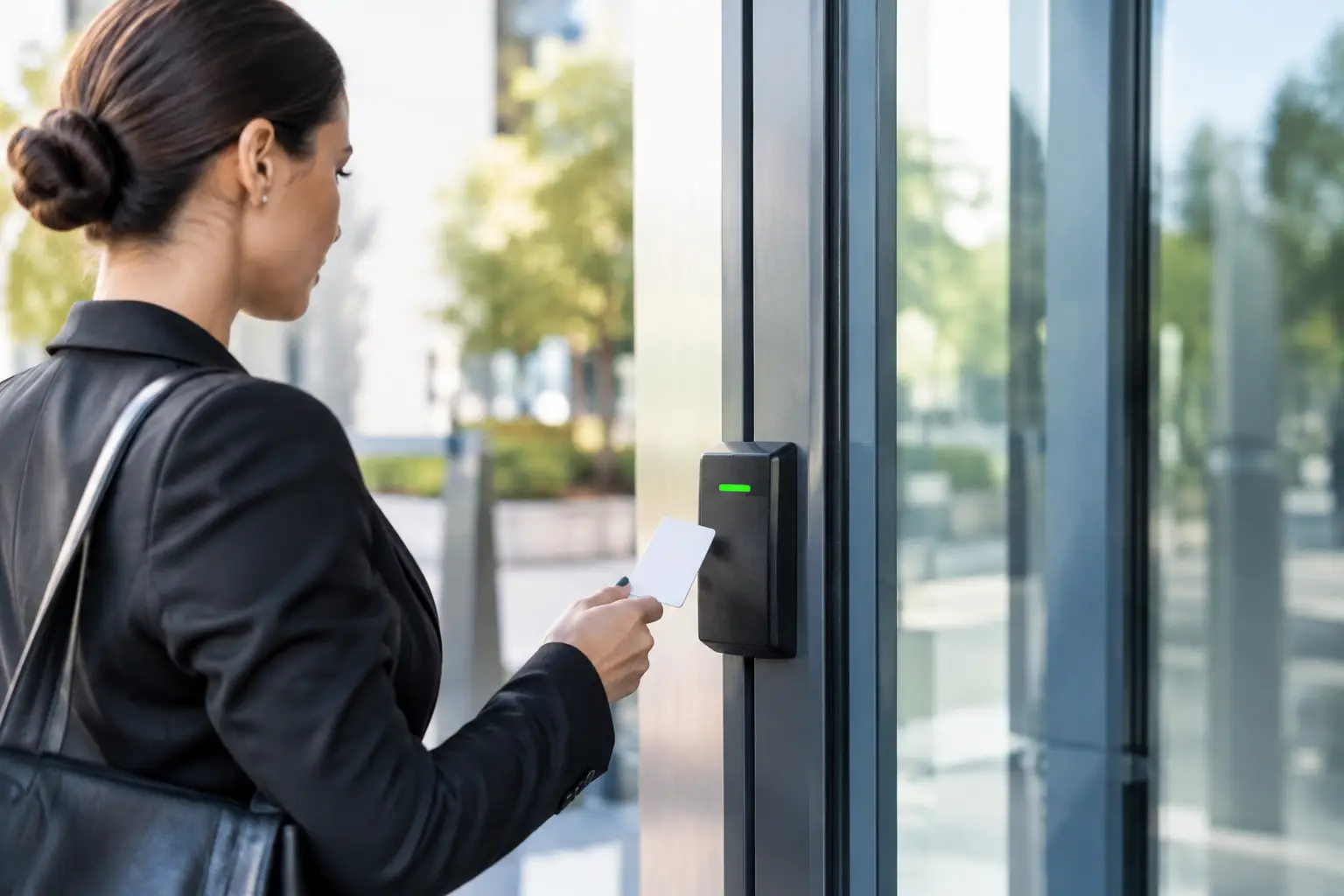
Smart locks are often the foundation of entry automation. Instead of managing extra physical keys, you can control access through a mobile app, unique user codes, or assigned credentials. This is especially useful when family members, housekeepers, dog walkers, employees, or vendors need access at different times.
Set individual codes rather than sharing one code with everyone. When each person has a separate credential, you can see who entered and when. If a contractor finishes a project or an employee leaves, you can remove that access without changing hardware or collecting keys.
For greater control, use time-based access rules. A dog walker might have access on weekday afternoons, while a delivery vendor can receive a temporary code for a specific service window. Business owners can create access schedules that align with opening and closing hours.
Remote control also solves everyday problems. If a teenager forgets a key, a guest arrives early, or you need to let in a trusted neighbor, you can manage the lock from your phone. The goal is not to leave doors open more often. It is to make authorized access deliberate, visible, and easier to manage.
Pair Locks With Door Sensors
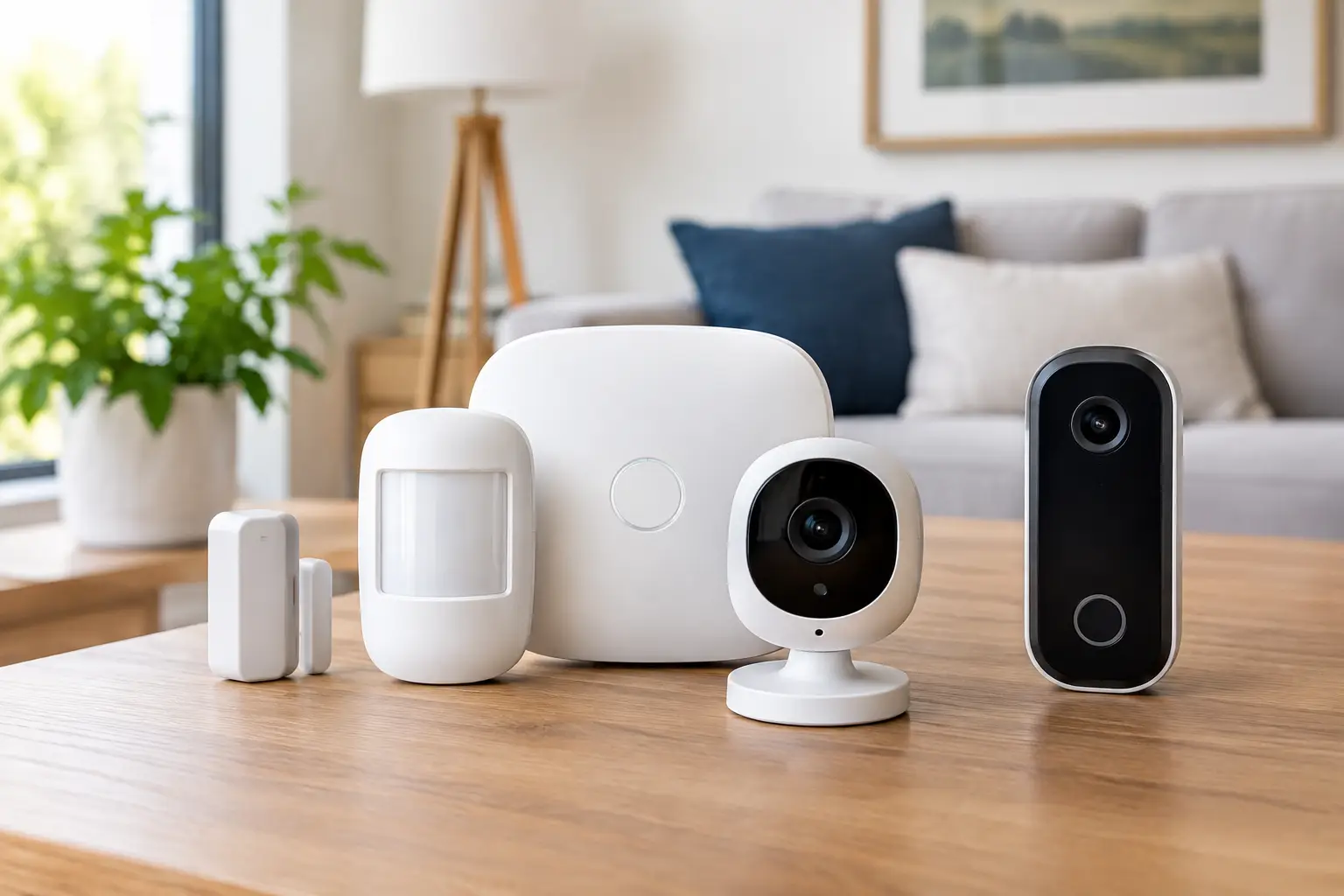
A smart lock tells you about lock activity. A door sensor confirms whether the door is actually open or closed. Together, they give you a clearer picture of entry activity.
For example, you can receive an alert when a protected door opens while the system is armed. You can also be notified when a door is left open longer than expected. This can help prevent a security lapse at night, reduce the chance of conditioned air escaping, and provide reassurance after children arrive home.
Add Video Verification at Doors and Gates
A smart lock can manage access, but a camera helps you understand what is happening outside the entry point. Video doorbells and outdoor cameras provide a live view of visitors, deliveries, and activity around the property.
Place cameras where they can clearly capture faces, approaches, and the door itself. At a home, a video doorbell may cover the front entry while an outdoor camera watches the driveway, side yard, or back patio. At a business, cameras may be needed at employee doors, loading areas, and parking approaches.
Video alerts should be useful, not constant. Motion detection zones and video analytics can help focus notifications on people, vehicles, or activity in priority areas. The right settings depend on the location. A camera facing a busy sidewalk needs different sensitivity than one monitoring a private rear entrance.
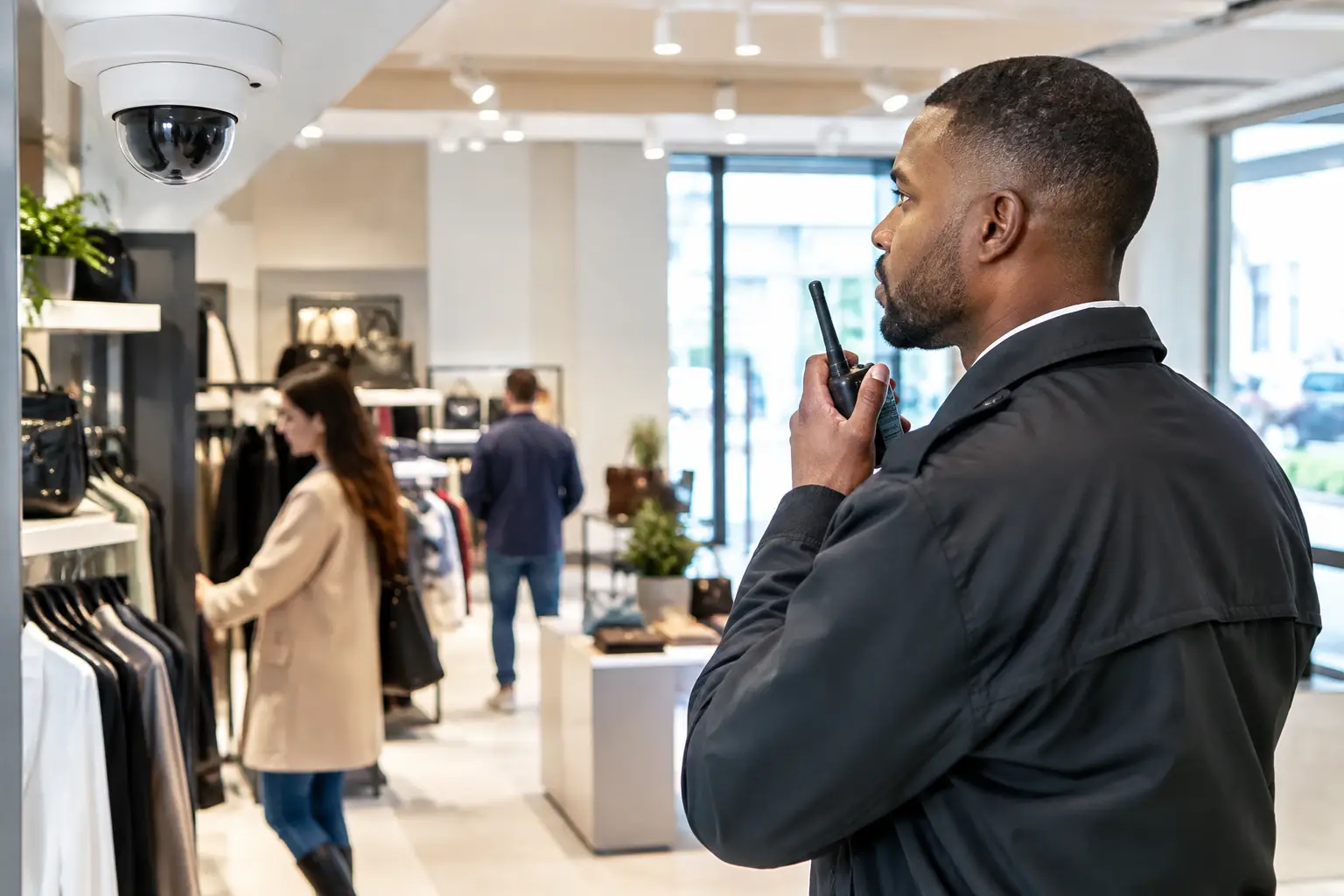
For stronger protection, consider systems with AI-enhanced deterrence and 24/7 video verification. When suspicious activity is detected, trained monitoring professionals can help assess the situation and respond according to your service plan. This moves security beyond reviewing footage after an incident has already occurred.
Make Lighting Part of the Response
Lighting is one of the most effective ways to make an entry point less appealing to an unwanted visitor. Automated exterior lights can turn on when a camera detects motion, when a door opens after dark, or when your security system enters an alarm event.
A well-lit walkway also makes normal arrivals safer. Family members can approach the front door with better visibility, and customers or employees can enter a business more confidently during early or late hours.
Avoid treating lighting as a one-setting solution. Constantly bright lights can be disruptive for neighbors and may become background noise. Motion-triggered lighting or schedules that follow your normal routine often provide a better balance of visibility, convenience, and energy use.
Automate Garage Doors and Side Access
Garages are frequently overlooked, even though they can provide direct access to a home or valuable equipment. A smart garage controller lets you check whether the door is open or closed from the same app used for your security system. You can receive alerts if it opens unexpectedly or remains open after a set period.
Automation can also support daily routines. For instance, your system can send a reminder if the garage is still open at night. If a family member arrives through the garage, connected sensors and cameras can document that activity just as they would at the front door.
Gates, fence openings, and side entrances deserve similar attention. These areas can be difficult to see from inside the property and may offer privacy to someone trying to avoid notice. A camera, contact sensor, and motion-triggered light can create better awareness without requiring you to constantly check the area.
Build Routines That Improve Security Without Adding Work
The strongest automations are usually simple. They should support habits you already have rather than create more tasks to remember.
A nighttime routine might arm the system, confirm exterior doors are closed, send a garage reminder, and adjust selected lights. A departure routine might arm intrusion protection after everyone leaves and notify you if a door or window is still open. A business closing routine can confirm that designated entry points are secure and alert an owner if they are not.
It depends on your household or business schedule. A family with children may prioritize arrival notifications and temporary codes for caregivers. A retail shop may care more about employee access records, camera coverage, and opening or closing alerts. The best rules are the ones that provide useful information without flooding your phone with notifications.
Keep Life Safety Connected to Access Control
Entry automation is not only about burglary prevention. It can also support a faster response to fire, carbon monoxide, water leaks, and other emergencies.
Connected smoke and carbon monoxide detectors can send alerts when you are away. Flood sensors near water heaters, laundry rooms, or sinks can notify you before a small leak becomes major damage. In some setups, a connected water valve can shut off water automatically after a leak is detected.
These devices do not replace safe building practices or emergency planning. They do give you more time to act and provide a central place to manage the systems that protect your property.
Choose Professional Installation for Reliable Coverage
Entry-point automation involves more than choosing devices. Cameras need the right field of view, locks need compatible doors and proper alignment, sensors need reliable placement, and automation rules need to work together without creating gaps.
Professional installation helps ensure that each device supports a larger protection plan. At Fluent Home, a security professional can help design a customized system around your entry points, daily routines, and monitoring needs, then install and configure it for simple control from one app.
The result should feel straightforward: the right people can get in when they need to, you can see what is happening at key doors and gates, and your property has a prepared response when something does not look right. A free custom quote is a practical first step toward building that level of control.