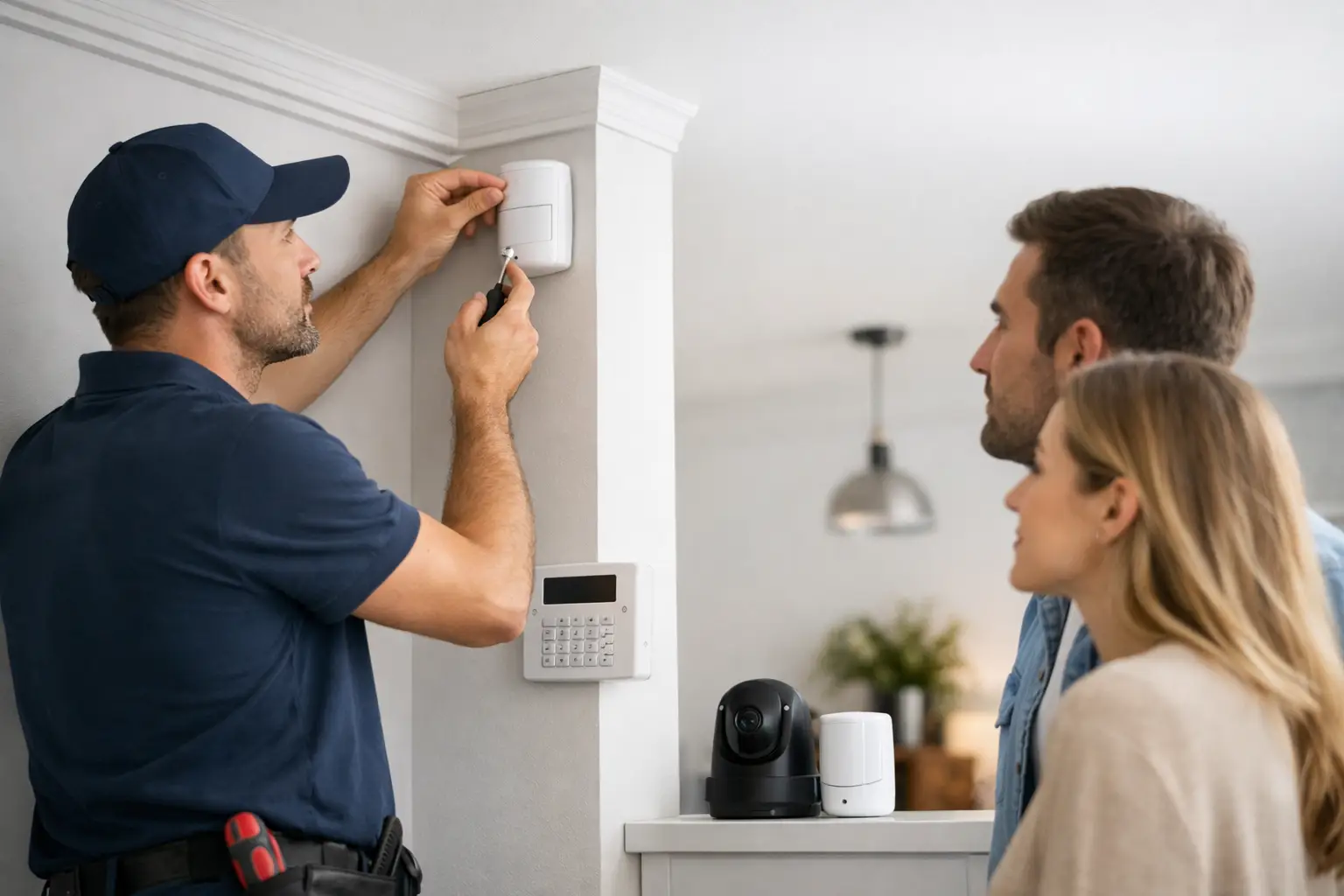
The installer is not there simply to hang a keypad and place a few sensors. What happens during alarm installation is a practical, room-by-room process that turns your property’s layout, routines, and risk points into a system designed to protect the places that matter most. By the time the appointment is finished, you should know how to arm your system, check cameras, receive alerts, and get help when an alarm occurs.
For most homeowners, professional installation removes the guesswork around sensor placement, camera angles, wiring, connectivity, and monitoring setup. For a small business, it also creates a clearer path for managing employee access, protecting inventory, and seeing activity after hours.
Before the Alarm Installation Appointment
A strong installation starts with a conversation. Before equipment is mounted, a security professional confirms what you want the system to do. That may mean protecting exterior doors and first-floor windows, watching for package theft, adding smoke and carbon monoxide detection, receiving water leak alerts, or controlling locks and lights from one app.
This is also the time to discuss how your household uses the space. A motion detector belongs in a different location when you have large pets, an open floor plan, or family members who move around at night. A doorbell camera may need a different angle when the front entry faces a busy sidewalk. If you operate a business, the installer will ask about opening and closing routines, restricted areas, employee access, and the locations of cash, equipment, or inventory.
Your final design depends on the property and your priorities. A basic intrusion system may focus on entry sensors, motion detection, and a smart control panel. A more complete system can add indoor and outdoor cameras, smart locks, flood sensors, thermostat control, garage door control, and environmental protection devices. The benefit of a professionally designed system is that you can start with the protection you need now and add compatible devices later.
What Happens During Alarm Installation?
The technician walks the property with you
The appointment typically begins with a walkthrough. The technician checks doors, accessible windows, hallways, common areas, internet equipment, electrical outlets, and camera sightlines. This is not a sales pitch disguised as a visit. It is how the installation plan is matched to the realities of your property.
Together, you will identify the main points of entry and the areas that need visibility. For example, the installer may recommend sensors on exterior doors and vulnerable windows, then place a motion detector where it can cover a primary path through the home. Cameras are considered separately because a good view requires the right height, field of view, lighting, and connection strength.
You can ask direct questions during this walkthrough: Which windows are protected? Can pets trigger this device? Will this camera capture the driveway or only the porch? What happens if the internet goes down? A professional should explain the options in plain language and tell you where compromises may be necessary. No system can see through walls, and a camera pointed too widely can lose the useful detail needed to identify activity.
Devices are installed where they can work reliably
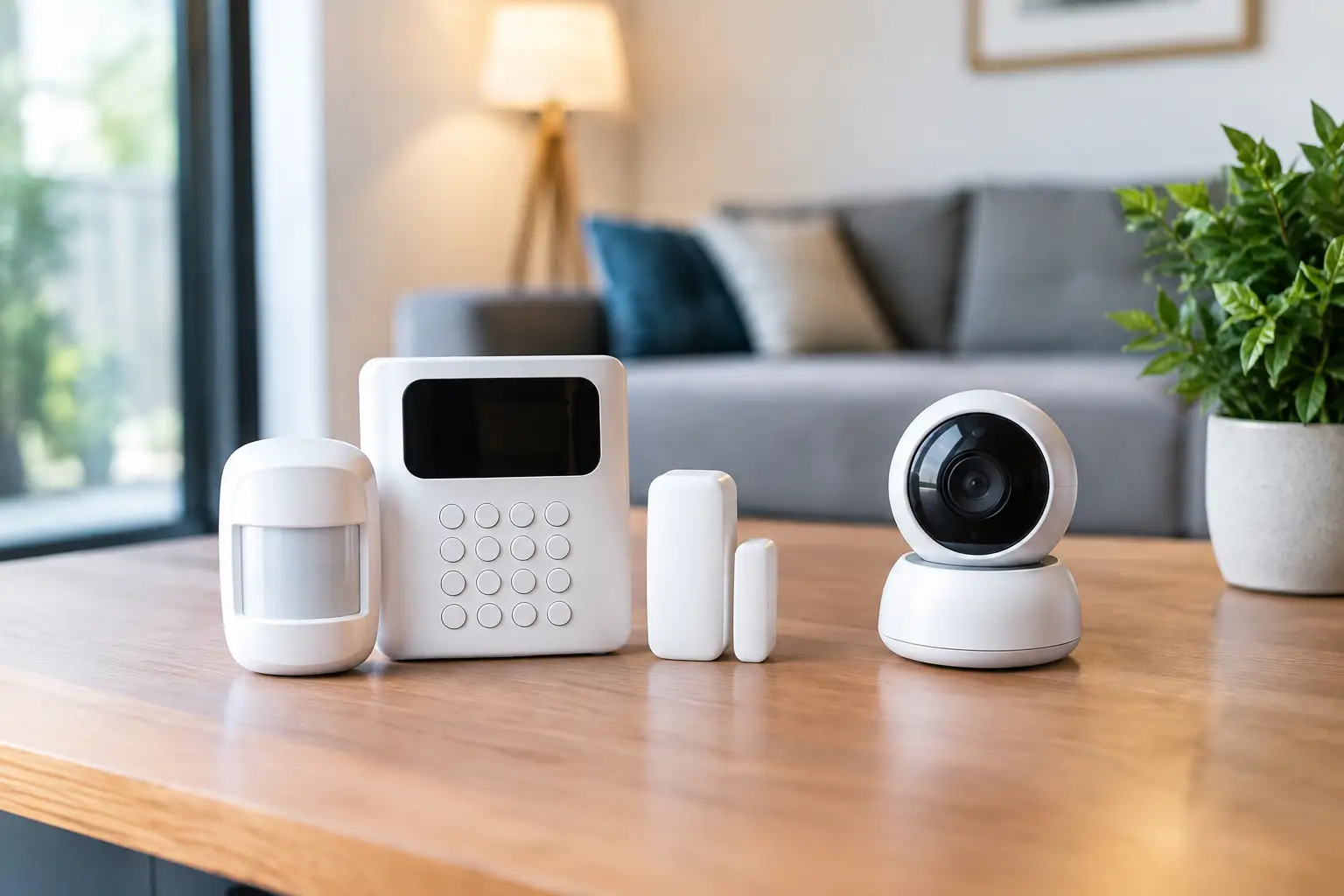
Once placement is approved, the technician installs and connects the equipment. Depending on the system, this can include a smart control panel, door and window sensors, motion detectors, cameras, video doorbells, smoke and carbon monoxide detectors, flood sensors, smart locks, or other connected devices.
Many modern security devices use wireless communication, which can reduce the need to open walls or run cable through the home. That does not mean placement is random. Sensors must be aligned correctly, cameras need stable mounting, and devices must communicate reliably with the panel or network. The technician checks these details as the work progresses.
Camera installation deserves particular attention. An outdoor camera should cover a meaningful approach to the property rather than a wide but distant view of the street. A doorbell camera should capture visitors and deliveries without being blocked by trim, plants, or screen doors. If AI-enhanced deterrence or video analytics are part of your selected service, the installer will make sure the device is positioned to provide useful detection zones and alerts.
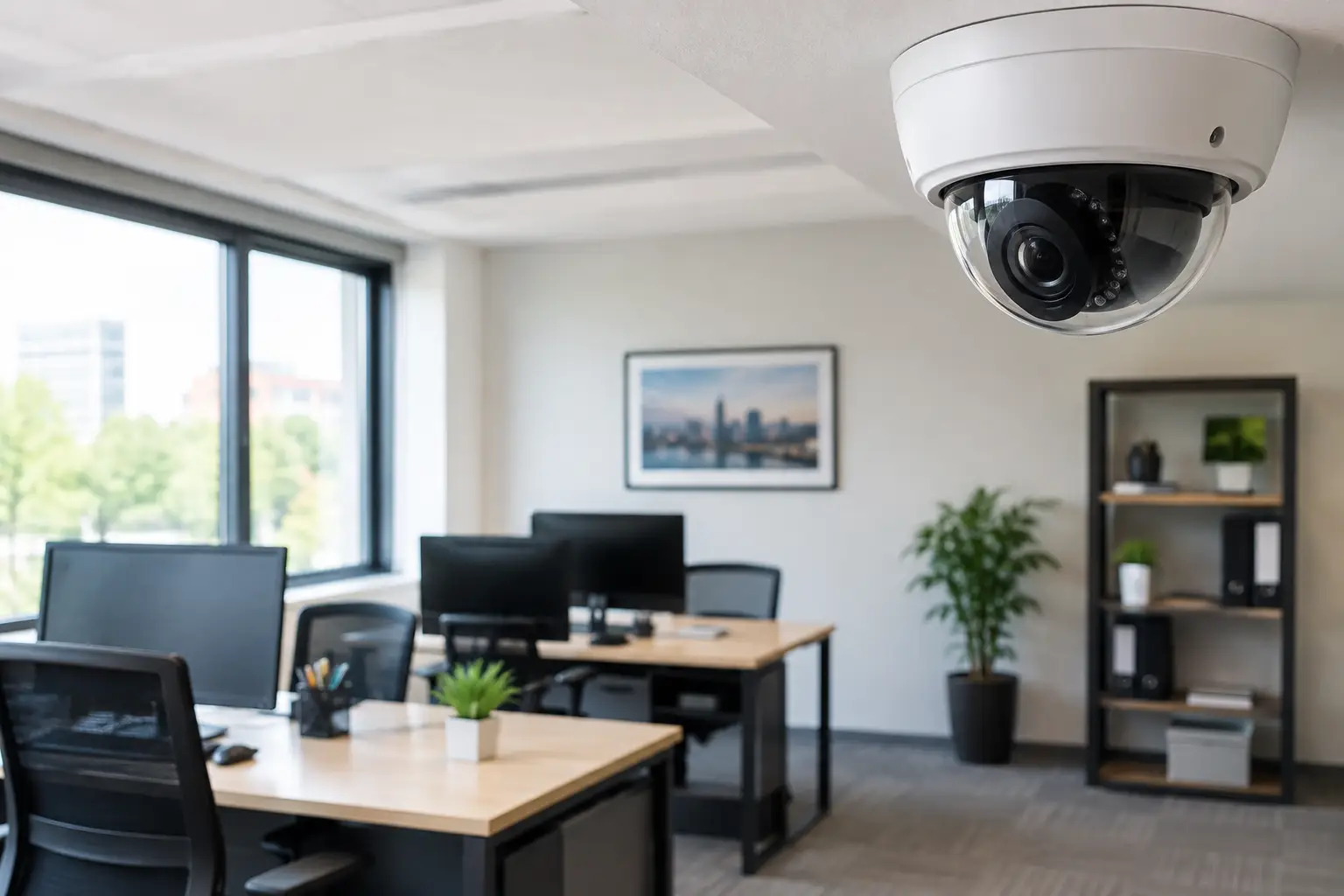
For commercial properties, installation may include access control at specific doors, cameras at entrances and registers, and intrusion protection in offices, storage areas, or back rooms. The right approach depends on traffic flow and operations. A retail shop has different needs than a professional office or a warehouse with multiple employee entrances.
The system is connected, labeled, and programmed
After the devices are in place, the technician connects them to the control panel and programs how they should behave. Each sensor is labeled so alerts are clear. Instead of receiving a vague alarm message, you may see a notification identifying a specific entry point, such as a front door or kitchen window.
The system can also be configured around your daily routine. You may choose different arming modes for when everyone leaves, when you are home for the evening, or when the business is closed. Entry and exit delays are set so you have time to disarm the system without causing an accidental alarm. If smart locks, lights, thermostats, or garage controls are included, they are paired for mobile control and any approved automation rules.
Your home network is usually part of this step, especially for video devices and mobile app access. The installer verifies that cameras can connect and send video as expected. Signal strength, router location, construction materials, and the distance between devices can affect performance, so adjustments may be made before the appointment ends.
Every device is tested before the installer leaves
Testing is one of the most valuable parts of professional alarm installation. The technician opens protected doors and windows, walks through motion detection areas, checks camera views, confirms doorbell functions, and verifies that the control panel receives the correct signals. Smoke, carbon monoxide, and water devices are tested according to their designed test procedures.
If you have professional monitoring, the technician also confirms that alarm signals can reach the monitoring center. Depending on the service selected, this may include verifying the response process, confirming emergency contacts, and explaining how alarm verification works. Fluent Home systems can pair monitoring with video verification options that help provide responding authorities with more informed alarm details when qualifying video events occur.
Testing is also the time to correct small issues that can create frustration later. A camera may need a slight adjustment to reduce glare. A sensor may need to be repositioned. A notification setting may need to be changed so you receive the alerts that matter without being overwhelmed by routine activity.
You Will Learn How to Use It Before the Appointment Ends
A security system is only convenient when the people using it feel confident. Before leaving, the technician should show you how to arm and disarm the system from the panel and mobile app, view live or recorded camera footage where available, respond to alerts, manage user codes, and check device status.
Take this part seriously. Ask each adult in the household to practice using the system, especially if they will arrive home alone or leave early in the morning. Make sure trusted emergency contacts are accurate, and understand how to cancel a false alarm if one occurs. For businesses, decide who can manage users and who should receive opening, closing, or alarm notifications.
You should also learn the difference between a security alert and an emergency alarm. A motion notification from a camera may simply prompt you to check the app. A verified intrusion, fire, or carbon monoxide alarm requires a faster response and may trigger monitoring procedures. Knowing the distinction helps you act calmly and quickly.
How Long Does Alarm Installation Take?
Most residential appointments can be completed in a few hours, but timing depends on the size of the property, the number of devices, the type of cameras, and whether smart home or environmental devices are being added. A larger home, a complex network setup, or a business with multiple cameras and access points can take longer.
You can help the appointment run smoothly by ensuring the installer can access the areas where devices may be placed, keeping your Wi-Fi information available, and deciding in advance who needs app access. If you have pets, plan for their comfort while doors are opened and testing is underway. If you rent or live in a community with exterior modification rules, confirm any approval requirements before camera or doorbell installation.
The goal is not to finish as fast as possible. It is to leave you with a system that is properly placed, fully tested, easy to use, and ready to support your response plan. A free custom quote is a practical first step when you want protection built around your home or business instead of a box of devices left for you to figure out.