A missing laptop, an unlocked side door after closing, or a delivery left unattended can create a costly problem for a small office. Commercial surveillance for small offices gives business owners a clear view of what is happening at the moments that matter, without turning daily operations into a complicated technology project.
For many offices, the goal is not to build an enterprise command center. It is to deter unwanted activity, document incidents, manage employee and visitor access, and check the workplace from anywhere. A professionally designed security system brings those functions together so you can focus on clients, employees, and the work in front of you.
What Small Offices Need From Commercial Surveillance
A useful office surveillance system starts with visibility, not camera count. A two-person accounting firm, a medical administrative office, and a growing real estate team may all occupy similar square footage, yet their security concerns can be very different. The right setup reflects how people actually enter, move through, and use the space.
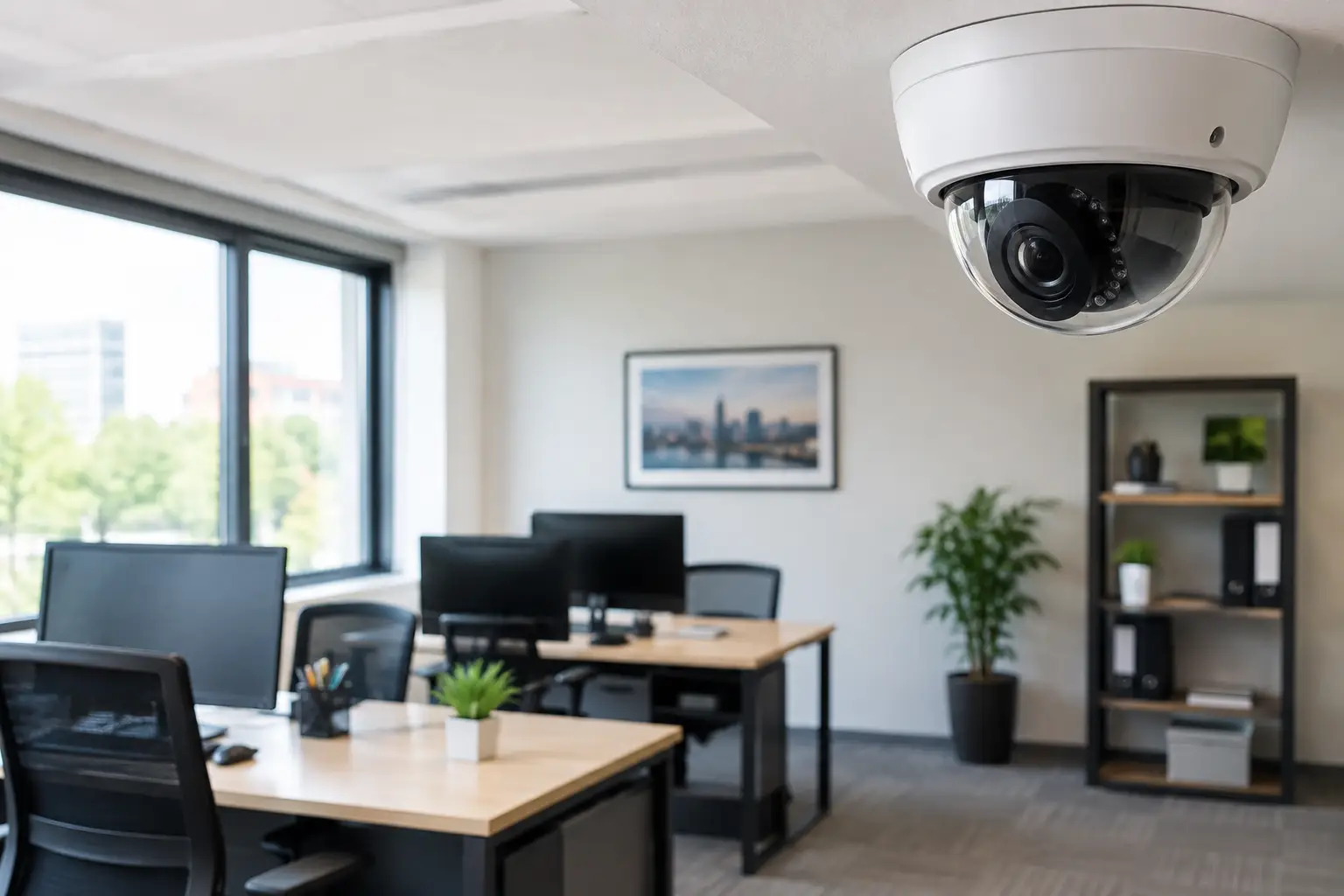
Most small offices benefit from coverage at the primary entrance, secondary doors, reception or lobby areas, shared equipment spaces, and exterior approaches. Cameras can help verify who arrived, whether a door was propped open, and what happened around a delivery or after-hours visit. When an incident occurs, recorded video can also provide the context that an alarm event alone cannot.
Surveillance works best as part of a connected security plan. Cameras should complement intrusion sensors, professional monitoring, and access control rather than operate as isolated devices. That connection gives you more useful information and a faster path to action when something does not look right.
Start With the Risks Around Your Office
Before selecting equipment, walk through the office as if you were arriving after hours. Which doors are visible from the street? Is there a rear entry used by employees, vendors, or neighboring tenants? Are packages left in an unsecured lobby? Are expensive laptops, files, inventory, or tools stored in spaces with limited oversight?
The answers shape where surveillance provides the most value. An office with frequent client traffic may prioritize a clear lobby view and entry monitoring. A business with equipment stored in a back room may need a camera and door sensor at that access point. For offices in multi-tenant buildings, shared hallways and building-controlled entrances may limit what you can monitor, making internal access control especially valuable.
It also helps to decide what you need video to do. Deterrence, live awareness, evidence collection, and operational oversight are related but not identical needs. A visible exterior camera and signage can discourage opportunistic activity. A camera with useful night visibility may be more important for a parking area. Video analytics and alerts can help reduce the time spent reviewing uneventful footage.
Place Cameras Where They Can Deliver Useful Evidence
Camera placement matters more than simply covering every wall. A camera positioned too high, pointed into bright sunlight, or aimed at a busy walkway without a clear view of faces may produce footage that is less helpful when you need it.
Cover entrances and approach paths
The main entrance is usually the first priority. A properly placed camera can capture activity before someone reaches the door and provide a clear view of people entering or leaving. Secondary entrances deserve the same attention, particularly doors near alleys, stairwells, loading areas, or employee parking.
Exterior cameras can also watch for activity around deliveries, vehicles, and after-hours visitors. For offices with poor exterior lighting, camera performance after dark should be part of the design conversation, not an afterthought.
Protect shared assets without overreaching
Reception desks, supply rooms, server closets, and equipment storage areas are common locations for interior coverage. The aim is to protect business assets and document access, not to create an uncomfortable workplace. Cameras generally should not be placed in restrooms, changing areas, or other spaces where people have a reasonable expectation of privacy.
A professional consultation can identify blind spots while keeping the system aligned with the size and culture of your office. In some cases, one well-positioned camera delivers more practical protection than several poorly placed devices.
Pair Video With Access Control and Intrusion Protection
A camera can show you what happened. Access control can help you manage who can enter in the first place. For small offices, that may mean replacing copied keys with individual codes, credentials, or smart access tools that can be managed as staffing changes.
When an employee leaves, a credential can be removed without rekeying the entire office. When a vendor needs temporary access, you can provide it without sharing a permanent key. Access activity can also add context to a video alert by showing whether a door was opened by an authorized user or forced open.
Intrusion detection adds another layer of protection after hours. Door and window sensors, motion detection, glass break protection, and professional monitoring can trigger a response when an office is closed. Combined with video, that alert can be more actionable than a notification that simply says an alarm was activated.
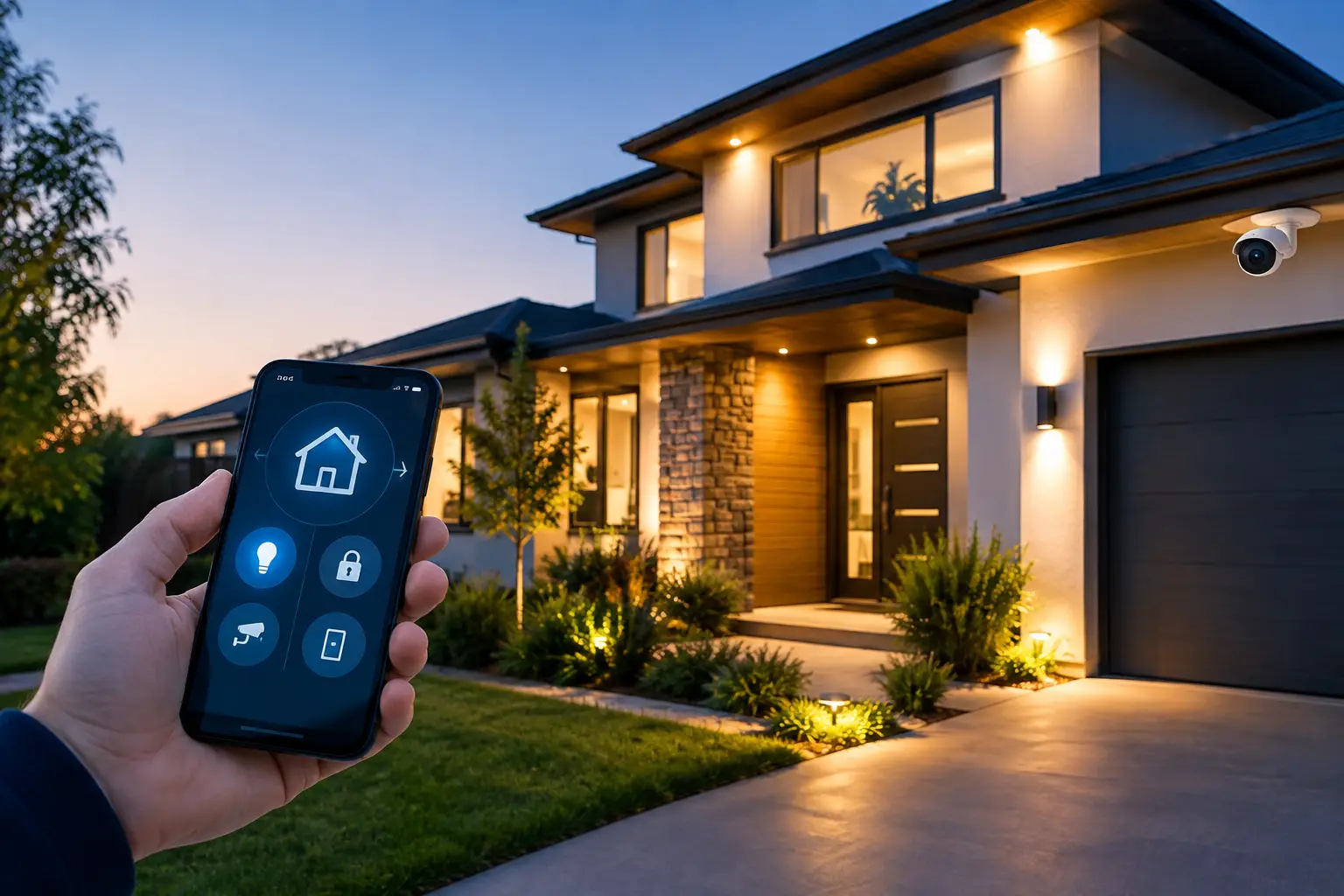
Fluent Home can design these elements as one integrated system, allowing authorized users to view cameras, manage access, and control security functions from a single mobile app.
Use Smart Alerts Without Letting Notifications Take Over
Constant alerts are one of the fastest ways for a security system to become ignored. The better approach is to choose notifications that match real business risks. You may want an alert when a rear door opens outside scheduled hours, when motion is detected near the front entrance after closing, or when a camera identifies activity in a restricted area.
Video analytics can help distinguish meaningful movement from routine activity. This is particularly useful for offices near busy sidewalks, shared parking lots, or common building entrances where every passing person should not create an urgent notification.
There is a trade-off. Tighter detection settings may capture more events but can increase alerts. More selective settings can reduce interruptions but may miss less obvious activity. A professional installer can help tune coverage and notifications around your office schedule, traffic patterns, and tolerance for alerts.
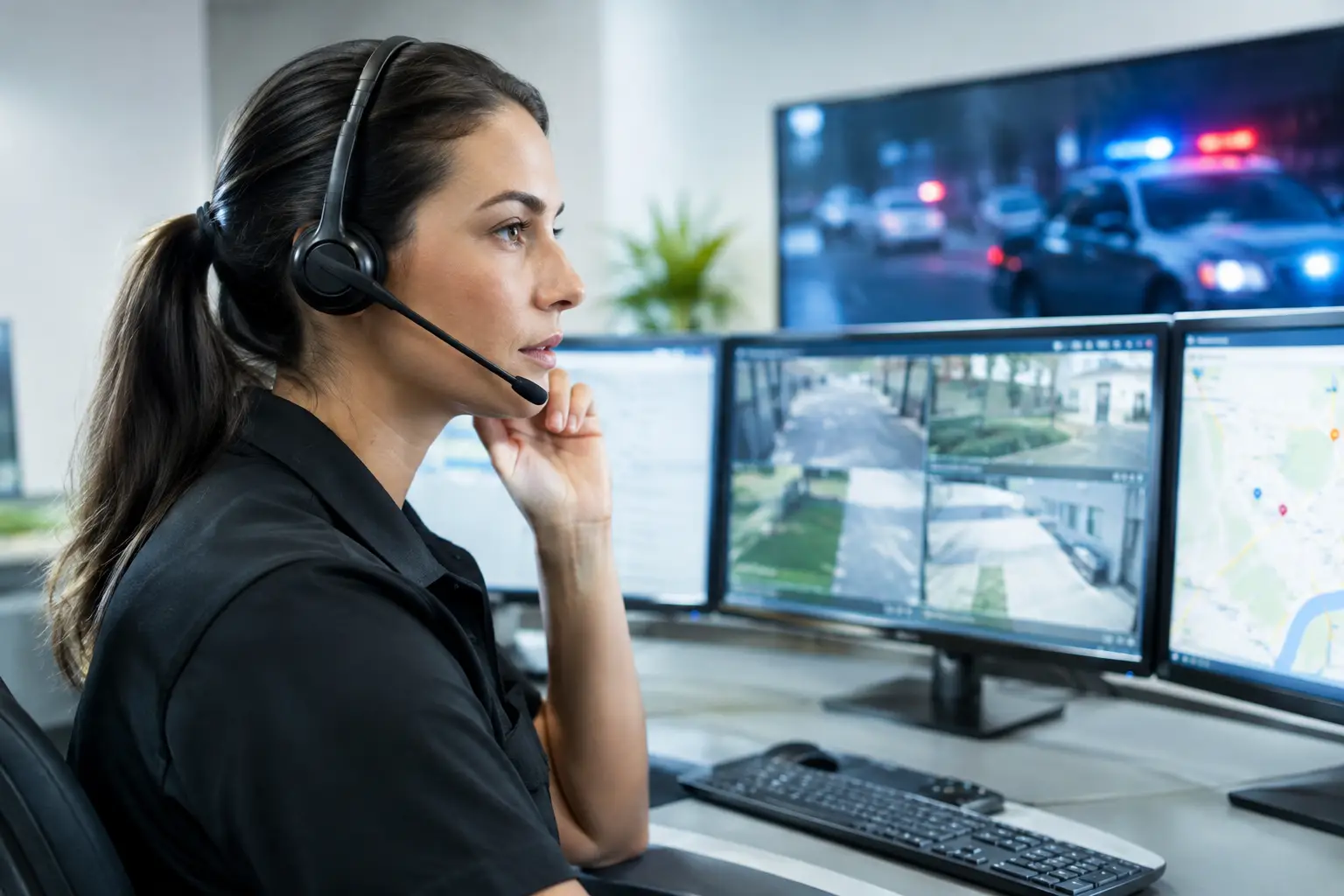
For higher-risk situations, professionally monitored systems and video verification can add another level of support. Instead of relying entirely on an owner to notice a phone notification during a meeting or while asleep, trained monitoring professionals can help assess qualifying events and support an appropriate response.
Plan for Privacy, Policy, and Everyday Trust
Surveillance should protect people as well as property. Before installation, establish a simple written policy explaining where cameras are used, what they are intended to protect, who can access footage, and how long recordings are retained. Employees should not be surprised by cameras in the workplace.
Privacy rules can vary by state, city, lease agreement, and the type of business you operate. Audio recording, in particular, can involve stricter consent requirements than video. For that reason, it is wise to review local requirements and speak with qualified legal counsel when needed, especially if your office handles sensitive client information.
Access to footage should be limited to people with a legitimate business reason. Strong account controls, unique user access, and clear procedures for sharing recordings help reduce unnecessary exposure. The goal is a system that supports accountability without creating a new privacy concern.
Choose a System That Can Grow With the Business
Small offices change. You may add staff, move suites, open a second location, or take on higher-value equipment. A security system should be able to expand without forcing a complete replacement.
Look for commercial surveillance that supports additional cameras, access users, sensors, and monitored protection as needs evolve. Remote management is also essential for owners who are not on-site every day. Being able to check a camera view, confirm the system is armed, or receive a meaningful alert from your phone provides practical control when you are away from the office.
Professional installation is worth considering when coverage, reliability, and ease of use matter. An expert can account for power sources, network connections, lighting conditions, viewing angles, and the best locations for security devices. Just as important, they can show your team how to use the system before the first real incident puts it to the test.
The right security plan should make your office easier to manage, not add another task to your day. Start with the doors, assets, and after-hours risks that matter most, then build protection around how your team actually works. A free custom quote can turn those concerns into a clear, practical security plan.