A security alert is only useful if it reaches the right person at the right moment. When you set up security app alerts around your actual routine, your phone becomes a practical control center for your home or business – not a source of constant, easy-to-ignore noise.
The goal is not to receive a notification every time a leaf moves past a camera. It is to know when a protected door opens unexpectedly, a package arrives, smoke is detected, water is leaking, or an employee accesses a restricted area after hours. A well-configured alert plan gives you faster awareness, clearer next steps, and more confidence when you are away.
Start With the Alerts That Protect People and Property
Before adjusting camera sensitivity or choosing alert sounds, focus on events that can create immediate risk. These are the notifications that should stay active at all times, even when you are busy, asleep, or traveling.
For a home, prioritize alarms from smoke detectors, carbon monoxide detectors, flood sensors, and intrusion devices such as door, window, and glass-break sensors. These alerts can signal a situation that needs immediate attention, whether you are nearby or not.
For a small business, add after-hours access events, alarm activity, and critical environmental alerts. A water leak in a stockroom or an unauthorized door opening can become more costly the longer it goes unnoticed.
Your security app should clearly identify the device, location, and type of event. “Back door opened” is more useful than a generic alert because it helps you decide whether you need to check live video, contact someone on-site, or request assistance.
Set Up Security App Alerts by Priority
Not every alert deserves the same response. Organizing notifications by urgency helps prevent alert fatigue while keeping critical information visible.
Critical alerts: act immediately
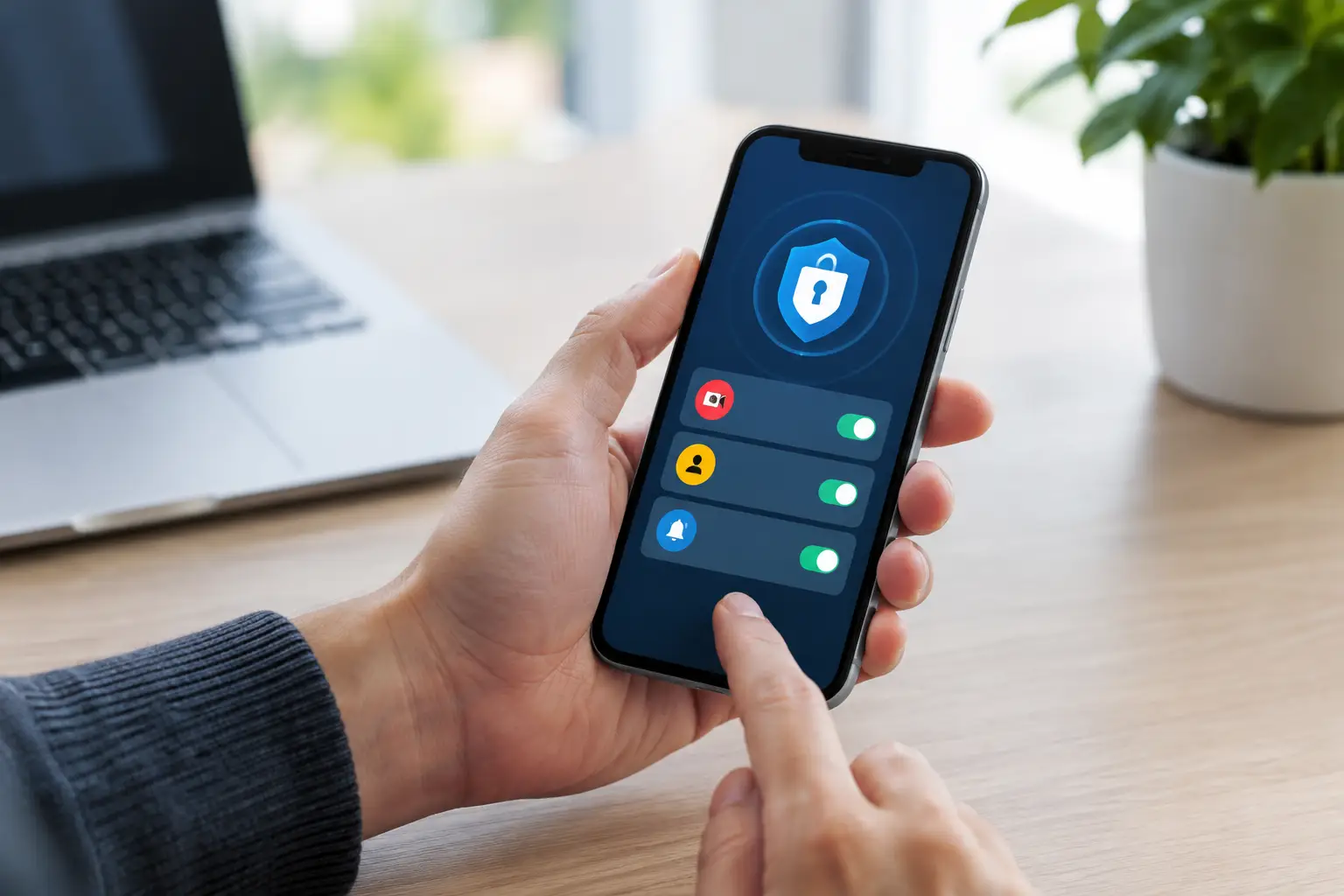
Critical alerts include fire, carbon monoxide, flood detection, security alarm events, and verified threats. These should have push notifications enabled, with a distinct sound that you will recognize quickly. If your system supports it, make sure more than one trusted person can receive these notifications.
For example, a homeowner may want both adults in the household to receive smoke, carbon monoxide, and water alerts. A business owner may assign alarm and water notifications to a manager, owner, and backup contact. Redundancy matters when someone is driving, in a meeting, or unable to respond.
Professional monitoring adds another layer of support for eligible alarm events. Rather than relying only on a phone notification, you have trained professionals available to respond according to your emergency plan.
Important alerts: review promptly
These notifications deserve attention, but they do not always require an urgent response. They can include a door opening during the day, a person detected at a front walk, a package delivery, or a smart lock being used.
This category is especially useful for busy families. You can see when children arrive home, confirm that a dog walker entered at the expected time, or check a video clip when a delivery is made. For business owners, it can help confirm opening and closing activity without watching a live camera feed all day.
Convenience alerts: customize around your routine
Convenience alerts include garage door activity, thermostat changes, lighting activity, and non-critical automation events. These can be helpful, but they should not crowd out urgent notifications.
If your garage door is used frequently, for instance, you may only need an alert when it remains open after a certain time or opens while everyone is away. A notification tied to an unusual condition is more valuable than a notice for every normal action.
Use Camera Alerts With Purpose
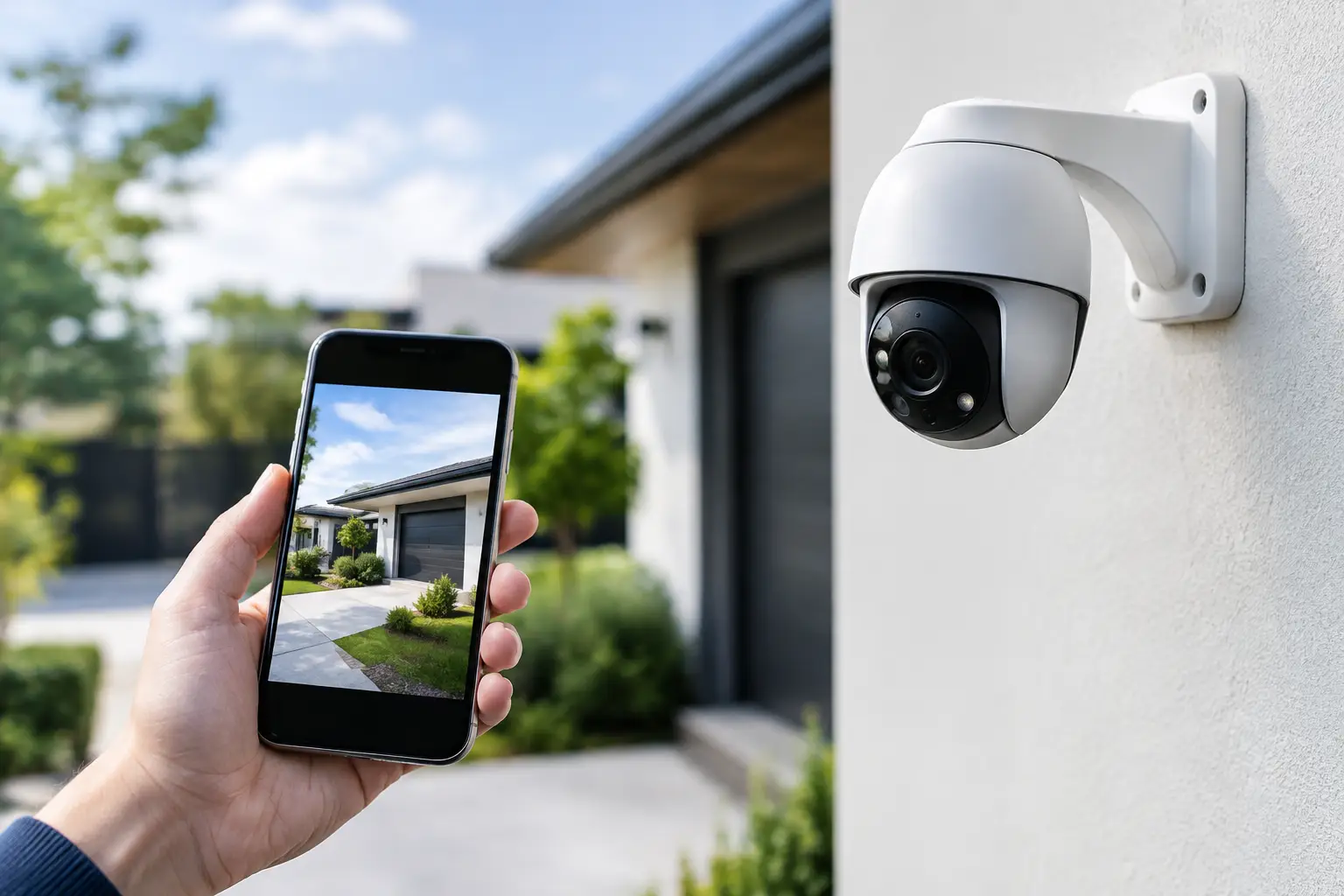
Video alerts are powerful, but they are often the first place notification overload begins. Outdoor cameras can detect people, vehicles, motion, and activity in designated areas. The right settings depend on what the camera sees and what you need it to protect.
A front door camera may need person detection and package-related alerts. A driveway camera may be better set to alert for vehicles or activity after certain hours. A backyard camera may need a detection zone that excludes a busy sidewalk, neighboring property, or moving trees.
Start by reviewing each camera’s view. Draw activity zones around entryways, gates, vehicles, loading areas, or package drop locations. Exclude areas that produce routine motion whenever possible. This simple adjustment can significantly reduce unnecessary alerts.
Timing also matters. A business camera facing the main entrance may not need to alert you every time a customer arrives during open hours. Set stronger notifications for evenings, early mornings, holidays, or periods when the building should be empty.
AI-enhanced video analytics can help distinguish between meaningful activity and general movement, but no setting is perfect. Check your clips for several days and refine the zones or sensitivity based on what you see. The best configuration is the one that catches the events you care about without training you to dismiss every notification.
Create Schedules for Home, Away, and After Hours
Your alert needs change throughout the day. A front door opening at 5:00 p.m. may mean someone is home from work. That same event at 2:00 a.m. deserves more attention.
Use your security app’s schedules, arming modes, and automation options to reflect how your property operates. At home, you may want perimeter protection active while allowing normal movement indoors. When away, you may want alerts from entry sensors, interior activity, garage access, and cameras. At night, you may prefer stronger notifications for exterior doors, windows, and outdoor detection zones.
Business owners can build schedules around opening and closing hours. An access alert during business hours may be routine. An access event after closing, particularly at a storage room, office, or restricted area, may need an immediate review.
Avoid making schedules too complicated at first. Start with clear home, away, and nighttime settings. Once those are working well, add rules for vacations, weekends, staff schedules, or seasonal changes.
Make Sure the Right People Receive Alerts
A security system is most useful when responsibility is clear. Decide who receives emergency alerts, who checks routine camera notifications, and who has permission to control locks, garage doors, or alarm settings.
For households, give each adult their own app access instead of sharing one login. This makes it easier to manage permissions and see who disarmed the system or unlocked a door. You may choose limited access for older children, house sitters, or service providers depending on your system and comfort level.
For businesses, use role-based access whenever possible. Owners may need full control, while managers need daily operational access and employees only need entry permissions. Review user access regularly, especially after staffing changes.
Keep emergency contacts current as well. A monitored system can only follow the information it has, so update phone numbers and call lists when your household or business team changes.
Test Alerts Before You Need Them
Do not wait for a real emergency to find out that your phone settings are blocking notifications. After changing alert preferences, test the system one device at a time.
Open a protected door while the system is in the appropriate mode. Trigger a camera event in the selected zone. Confirm that each authorized user receives the expected notification. Check that alert labels make sense and that the device location is easy to understand.
Also review your phone settings. Notifications can be silenced by Do Not Disturb, focus modes, battery-saving features, or app permissions. Keep critical security notifications allowed, and make sure your phone number and app are current.
If you have professional monitoring, follow the recommended test procedure before testing alarm devices. This helps avoid an unnecessary dispatch while confirming that your system communicates correctly.
Let Expert Setup Save You Time
A professionally installed system gives you a stronger starting point because devices are placed and configured for the property, not simply pulled from a box and mounted wherever convenient. Fluent Home can help design an alert strategy around the entrances, cameras, life-safety devices, and daily routines that matter most to you.
The right settings should feel quiet when life is normal and clear when something needs your attention. Review your alerts after the first week, adjust what creates noise, and keep the notifications that help you act with confidence.