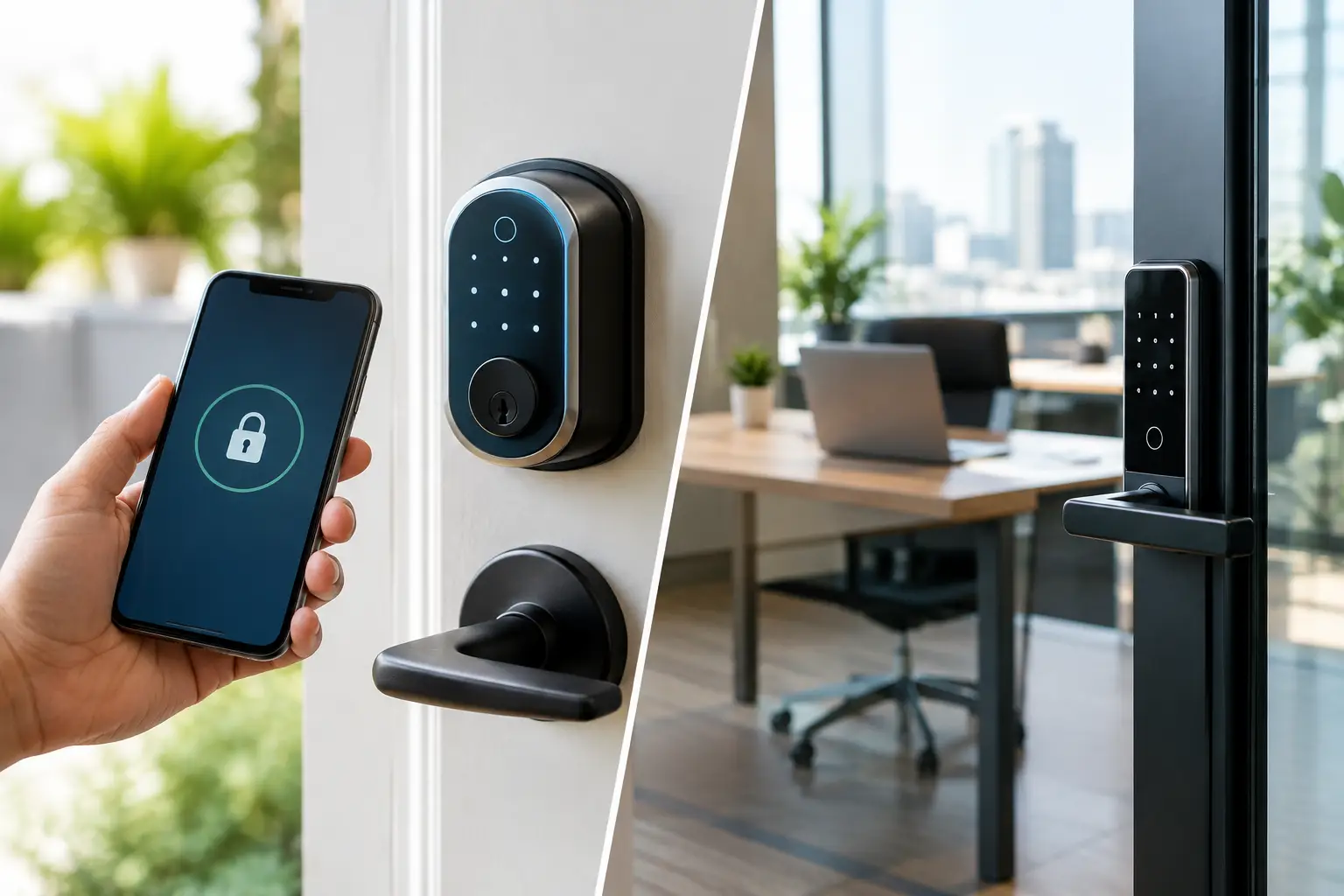
A smart lock should make the front door easier to manage, not create another security concern to worry about. Knowing how to secure smart locks starts with treating the lock as part of your larger security system. The device, your mobile account, the door itself, and the people who receive access all need to work together.
For a homeowner, that can mean checking the front door from work, giving a dog walker a limited code, or confirming the door locked after the kids left for school. For a small business, it can mean managing employee access without collecting keys at the end of every shift. The convenience is real, but so is the need for smart setup and ongoing control.
How to Secure Smart Locks From the Start
The best time to protect a smart lock is before anyone uses it. A professionally installed lock is positioned correctly, connected to the right door hardware, and tested as part of the property’s security plan. That matters because even an advanced smart lock cannot compensate for a loose strike plate, a misaligned deadbolt, or a weakened door frame.
Start with the door. Exterior doors should be solid-core or metal, with a quality deadbolt that fully extends into a reinforced strike plate. The screws holding the strike plate should be long enough to anchor into the wall framing, not just the trim. Check that the door closes without force and that the bolt moves freely. A lock that struggles to engage may appear secure in the app while failing to lock completely in real life.
Professional installation also prevents common setup errors, such as mounting the device incorrectly, leaving a backup key in an obvious location, or placing a connected hub where its signal is weak. When the lock is installed as part of an integrated security system, it can work alongside intrusion sensors, cameras, alarms, and mobile alerts rather than operating as one more disconnected device.
Protect the Account Behind the Lock
Your smart lock is only as secure as the account used to control it. If someone gains access to that account, they may be able to view lock activity, change access codes, or control the door remotely. Use a unique, long password for the security app and never reuse a password from email, shopping, or social media accounts.
Turn on multi-factor authentication whenever it is available. This adds a second identity check, usually through a trusted device or authenticator app, before account changes can be made. It takes a few extra seconds, but it can stop an unauthorized person even if they obtain your password.
Keep these account controls current:
- Use a unique password that is difficult to guess and stored in a trusted password manager.
- Enable multi-factor authentication for every administrator account.
- Remove old users immediately after a move, employee departure, breakup, or change in service providers.
- Review account recovery email addresses and phone numbers so they belong only to people you trust.
Avoid sharing your primary account login. Each adult household member or authorized business manager should have an individual user profile. Individual profiles preserve accountability and make it simple to remove access without changing everyone else’s credentials.
Keep Apps, Hubs, and Lock Software Updated
Software updates do more than add features. They can correct security weaknesses, improve device reliability, and help the lock communicate properly with the app or control panel. Enable automatic updates when supported, or make software checks part of a regular home or business security review.
Do not overlook the router. Change the default router password, use current Wi-Fi security settings, and install router updates. A smart lock may use Bluetooth, a local hub, Wi-Fi, or a combination of these technologies. The exact connection method varies, but the principle stays the same: secure the network and the account that manages the device.
Give Access by Role, Time, and Need
Physical keys are difficult to track. Once copied, you may never know who has one. Smart locks give you more control, but only if access is assigned thoughtfully.
Use separate codes or mobile credentials for each person rather than a single shared code. For homes, that may mean distinct access for family members, a recurring housekeeper, a pet sitter, and a trusted neighbor. For businesses, create separate permissions for owners, managers, employees, and service vendors. Activity records are far more useful when the system can show whose credential was used.
Temporary codes are especially valuable for guests and service appointments. Set a code to work only during the hours it is needed, then expire automatically. A plumber who needs access on Tuesday morning should not retain an active code months later. For rental properties or businesses with frequent staff turnover, this approach reduces the cost and disruption of rekeying locks after every change.
Be careful with convenience features. Auto-unlock can be useful when you arrive carrying groceries, but it should be limited to trusted phones and configured with account protection. Auto-lock is often the better everyday safeguard because it helps prevent a simple mistake: leaving the door unlocked after entering or exiting. Set a reasonable delay that allows people to come and go without leaving the door open to risk.
Pair Smart Locks With Cameras and Monitoring
A smart lock can secure a door, but it cannot show you who is standing outside it. Pairing entry control with a video doorbell or outdoor camera gives you a clearer picture of what is happening at the property.
Before granting remote access, check the camera feed when possible. This is especially helpful for deliveries, contractors, cleaners, and unexpected visitors. You can confirm who arrived, provide access for a defined purpose, and receive an activity record when the door opens and closes.
For a small business, access control works best when it supports a wider security plan. Cameras can document entry activity, intrusion detection can protect the building after hours, and professional monitoring provides a response path when an alarm occurs. Video verification can help confirm a real event and support faster, more informed action when it matters.
At home, integration creates useful everyday routines. Arming the system at night can confirm that exterior doors are locked. Opening the door for an approved visitor can trigger a camera recording. A notification can alert you if a door is left unlocked longer than expected. These features add visibility without requiring you to constantly check your phone.
Do Not Ignore Physical Security
Smart technology does not replace basic door security. Inspect the lock, hinges, door frame, and glass near the entry on a regular basis. If a door has glass within reach of the interior thumb turn, consider whether an intruder could break the glass and operate the lock from inside. The right solution depends on local fire code and safe emergency exit requirements, so do not add barriers that could make it harder for occupants to leave during a fire.
Keep emergency access practical. Most smart locks include a physical keyway, emergency power contacts, or another backup method. Store backup keys carefully, not under a mat, in a fake rock, or in an unlocked vehicle. Make sure trusted household members or business managers know what to do if a battery runs low or the internet is unavailable.
Battery alerts should never be ignored. Replace batteries promptly with the manufacturer-recommended type, and test the lock after replacement. A lock with fading batteries may still appear normal until it fails at the least convenient moment.
Review Your Smart Lock Security Regularly
A quick review every few months keeps small issues from becoming bigger ones. Check the activity history for unfamiliar entries, test auto-lock, verify alerts, and confirm that temporary users have expired. After moving, changing staff, ending a relationship, losing a phone, or experiencing a break-in attempt, review access immediately.
If a phone with lock access is lost, remove that device from the account at once. Then change the password if there is any chance the phone was unlocked or the account could be accessed. The same rule applies when an employee leaves or a contractor finishes a project: remove access when the need ends, not weeks later.
Fluent Home can help homeowners and small businesses design smart lock protection around the way they actually use their doors, with professional installation, mobile control, cameras, intrusion detection, and 24/7 monitoring working together.
The goal is not to make every entry complicated. It is to make authorized access simple, questionable activity visible, and every door easier to manage with confidence.