A break-in at a small business rarely happens at a convenient time. It can mean lost inventory, damaged doors, interrupted operations, and anxious employees arriving the next morning. The best business security features checklist helps you plan protection around the moments that matter most: after hours, at vulnerable entry points, during deliveries, and when no one is available to respond in person.
The right system does more than sound an alarm. It gives you a clear view of what is happening, helps deter unwanted activity, and connects critical alerts to trained monitoring professionals who can act fast. For many businesses, that level of visibility turns security from a constant worry into a manageable part of daily operations.
Best Business Security Features Checklist
Every business has a different layout, schedule, and risk profile. A storefront with customer traffic has different needs than a warehouse, office, restaurant, or service business with tools stored on-site. Still, the following features form a strong foundation for a professionally designed commercial security system.
1. Professionally monitored intrusion detection
Door and window sensors should be the starting point for any business security plan. They detect unauthorized entry through exterior doors, rear exits, ground-level windows, and other vulnerable openings. Motion detectors add another layer of protection inside areas where someone should not be after closing.
Professional 24/7 monitoring matters because an alarm is only useful if someone responds. If an intrusion signal is received, monitoring professionals can follow established response procedures and contact the appropriate authorities when needed. This is especially valuable for owners who cannot be on call every night.
Ask your security consultant to identify overlooked entry points, including receiving doors, rooftop access, basement windows, and connected storage areas. The best placement depends on your building and how your team moves through it.
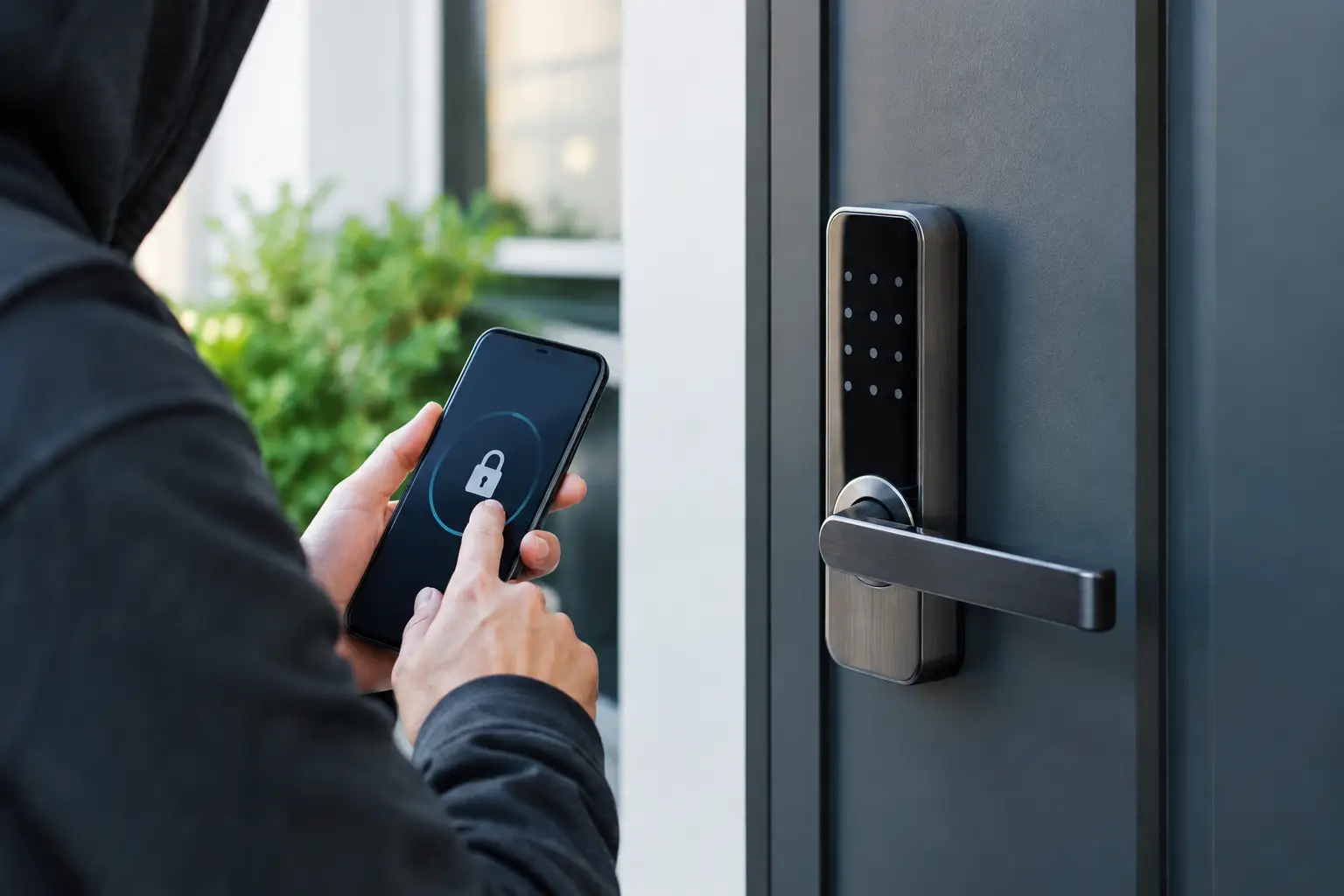
2. Smart control panel and mobile app access
Business owners need control without having to be on the property. A smart security panel and mobile app let you arm or disarm the system, review activity, receive alerts, and check connected devices from wherever work takes you.
Remote control is practical for more than emergencies. If an employee forgets to arm the system at closing, you can receive a notification and address it quickly. If a manager arrives early, authorized access can be handled without sharing a master code widely across the team.
Choose a system that keeps security, video, automation, and notifications in one simple app. Switching between disconnected platforms can create blind spots and slow down your response when an alert matters most.
3. Indoor and outdoor video surveillance
Cameras provide the context an alarm alone cannot. They help you see whether an alert is a person at the back door, a delivery at the front entrance, or a motion event caused by normal activity. For a business, useful coverage often includes main entrances, registers, loading areas, storage rooms, parking lots, and any location where high-value inventory is kept.
Outdoor cameras should be positioned to capture faces and approaches to the building, not just a wide view of the street or parking lot. Indoor cameras can help protect restricted spaces and provide oversight after hours. Camera placement should respect employee and customer privacy, so avoid sensitive areas such as restrooms and changing rooms.
Video analytics can also reduce noise by helping distinguish relevant activity from motion caused by weather, headlights, or passing traffic. That means fewer distracting alerts and more attention on events that deserve a closer look.
4. Active deterrence and video verification
A visible camera may discourage some criminals, but proactive security goes further. AI-enhanced deterrence features can identify concerning activity and help draw attention to an active threat before loss or damage occurs. Depending on the setup, deterrence may include lights, audible warnings, and professional intervention.
Video verification adds an important layer of confidence to an alarm event. When trained professionals can verify what is happening through video, they can provide more informed details during an emergency response. It is a meaningful advantage for businesses where every minute of downtime and uncertainty carries a cost.
This feature is particularly worth considering for businesses with exposed inventory, remote locations, frequent after-hours deliveries, or a history of repeated false alarms. It is not a substitute for strong locks and sound operating procedures, but it can make the overall response more effective.
5. Access control for doors and restricted areas
Keys are easy to copy, lose, and forget to collect when someone leaves the company. Business access control gives you a smarter way to manage who can enter specific doors and when. You may be able to assign credentials to employees, limit access by role or schedule, and remove access without changing locks.
Access control is useful at front offices, employee entrances, inventory rooms, server closets, and other restricted spaces. It also creates a clearer record of access activity, which can help you investigate issues and improve accountability.
The trade-off is that access control needs to match your workflow. A small office may need only one or two managed doors, while a larger operation may need separate permissions for managers, contractors, and delivery personnel. Start with the highest-risk doors and expand as needed.
6. Environmental safety devices
Security is not limited to burglary. Smoke detectors, carbon monoxide detectors, flood sensors, and monitored environmental devices can help protect your building from emergencies that threaten people, equipment, and operations.
A water leak near a supply closet, break room, utility area, or equipment room can become expensive before anyone notices it. Flood detection can alert you quickly, while smart water valve control may help limit damage by shutting off the water supply. For businesses that rely on electronics, inventory, or records, this protection can be just as valuable as intrusion detection.
Consider your building’s specific risks. Restaurants may prioritize fire and water coverage near kitchens and plumbing. Offices may focus on server rooms and break areas. Businesses in older buildings may need more extensive leak detection around aging pipes.
7. Smart lighting and automation
Lighting is a practical security tool. Exterior lights around entrances, walkways, rear doors, and parking areas can make your property less appealing to someone looking for a concealed approach. Smart lighting lets you set schedules, control lights remotely, and coordinate responses with security events.
Automation can also simplify opening and closing routines. A manager may be able to disarm the system, turn on lights, and adjust the thermostat from one control point. At closing, the same system can help confirm that doors are secured, lights are managed, and the alarm is armed.
Automation should support your team, not complicate their day. Keep routines simple, make sure authorized employees understand their responsibilities, and use professional installation to ensure connected devices work together reliably.
8. Professional installation and ongoing support
Even advanced equipment cannot deliver its full value if it is installed poorly or configured around assumptions. Professional installation helps ensure sensors are placed correctly, cameras have useful sightlines, and the system is designed around the actual way your business operates.
A consultation-led approach also gives you room to build in phases. You may begin with intrusion protection, cameras, and monitoring, then add access control, environmental devices, or additional video coverage as your needs change. That flexibility helps small businesses protect what matters now without paying for features they will not use.
How to Prioritize Your Business Security Features
Start by walking your property as if you were seeing it after closing for the first time. Look for dark approaches, unmonitored doors, unsecured equipment, obstructed camera views, and areas where employees work alone. Then consider the cost of a disruption: lost inventory, a delayed opening, property damage, insurance claims, or the impact on your staff’s sense of safety.
If your budget is limited, prioritize monitored intrusion detection at exterior openings, visible camera coverage at key entrances, and remote mobile control. Those features address the most common gaps while giving you a foundation to expand. Businesses with high-value inventory or frequent after-hours activity should move video verification and active deterrence higher on the list.
It also helps to think beyond the building. Package deliveries, employee arrivals, vendor access, and parking lot activity all affect security. A system designed around these daily patterns is more useful than one built around a generic equipment package.
A free custom quote from a professional security provider can clarify what your location actually needs. Fluent Home can help business owners combine monitored security, smart video, access control, and environmental protection into a system that is easy to manage from one app.
The goal is not to turn your business into a fortress. It is to create a safer, smarter space where your team can focus on customers and operations, knowing that the right protection is watching when they cannot.