A smart alarm system is only as good as the way it is planned, installed, and connected. That is really what people mean when they ask how smart alarm installation works. They are not just asking where a sensor goes. They want to know how the entire system comes together to protect a home or business, stay easy to use, and respond when something actually happens.
For most homeowners and small business owners, the process starts long before a technician mounts a camera or pairs a sensor. A smart alarm is not a one-size-fits-all product. The right setup depends on the property layout, daily routines, risk points, and whether the goal is basic intrusion detection or a broader system that also covers video, fire safety, flooding, locks, lighting, and remote access.
How smart alarm installation works from the start
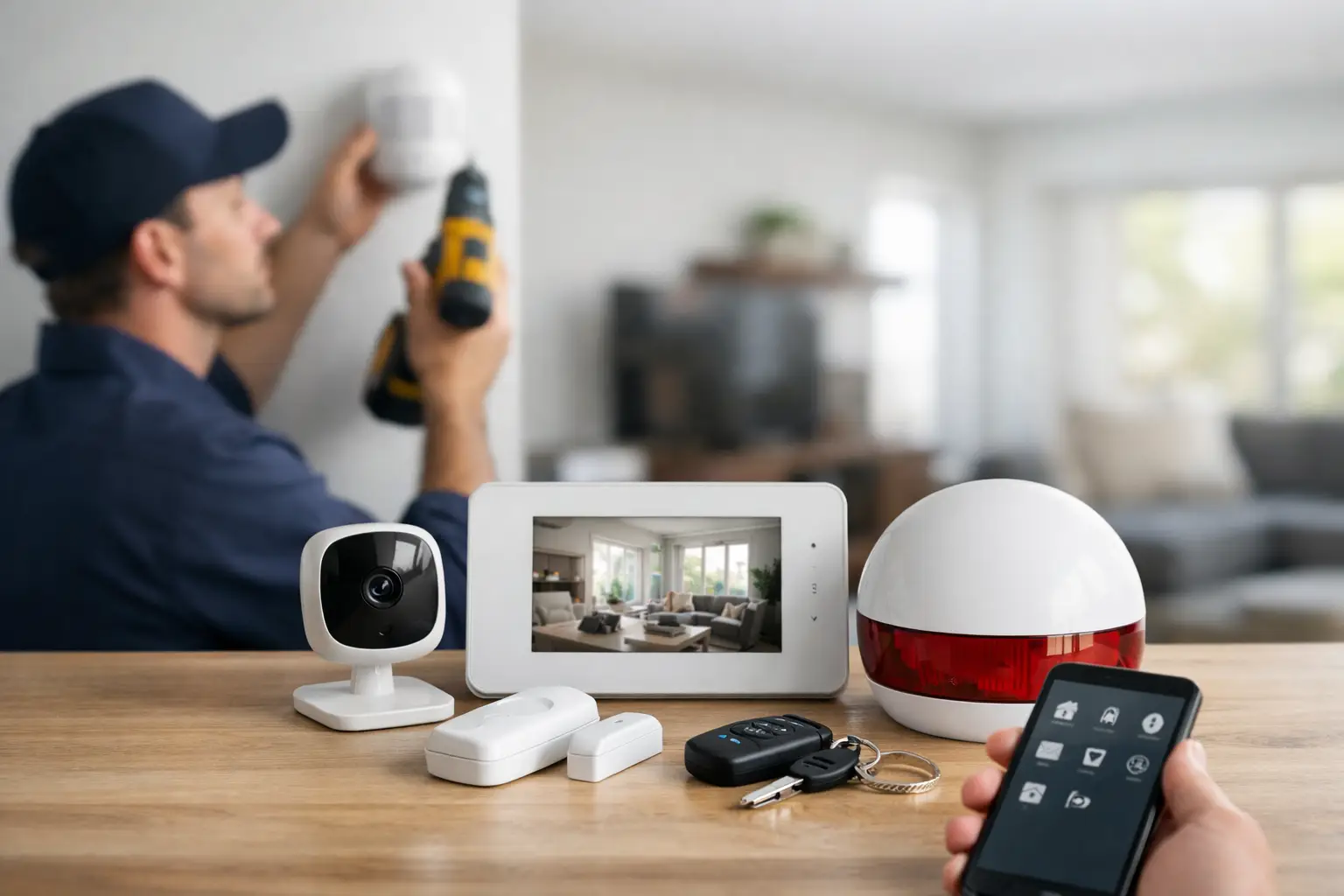
The first step is system design. A professional installer usually begins with a consultation to understand the property and what needs protection. For a home, that may mean front and back doors, first-floor windows, the garage, package delivery areas, and family access through a mobile app. For a small business, it may include front entrances, inventory rooms, offices, customer areas, and employee access control.
This stage matters because device placement affects both security and usability. A poorly placed motion sensor can create false alarms. A camera aimed too high may miss faces. A control panel installed in the wrong spot can be inconvenient every day. Good installation starts with practical decisions about how people actually move through the space.
In many cases, the installer recommends a layered system. That typically includes perimeter protection such as door and window sensors, interior protection with motion detection, visible deterrence through cameras or floodlight cameras, and life-safety devices like smoke, carbon monoxide, and flood sensors. The goal is not to fill the property with gadgets. The goal is to cover the right risks without overcomplicating the system.
What gets installed and where
The control panel is usually the center of the system. It is placed somewhere accessible, often near a main entry, so users can arm and disarm easily. It also acts as the communication hub for connected devices and, in many systems, provides backup options if internet service is interrupted.
Door and window sensors are installed at key entry points. These are often the first line of detection because they alert the system the moment a protected opening is breached. Motion detectors are then placed in areas where an intruder would likely pass, such as hallways, living areas, or stair paths. Placement is important here because pets, ceiling height, room shape, and HVAC airflow can all affect performance.
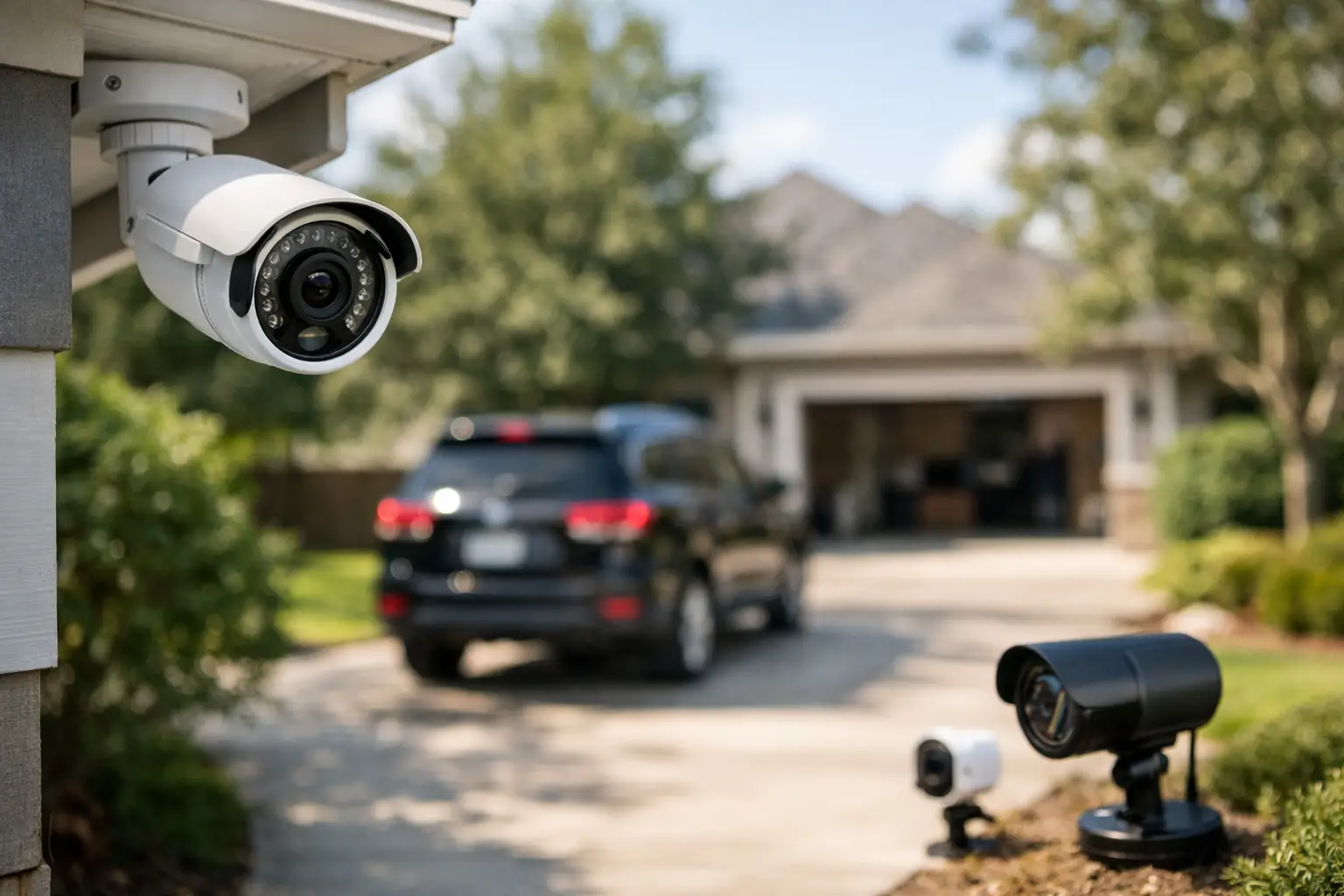
Cameras are added based on visibility and purpose. A video doorbell covers front-door activity and package deliveries. Outdoor cameras watch driveways, side yards, or rear access points. Indoor cameras may be used in common areas, entry zones, or business interiors. Smart alarm installation works best when cameras are used strategically rather than everywhere. More cameras are not always better if they create blind spots elsewhere or capture low-value footage.
Smart locks, garage door controls, thermostats, lighting, and other automation features are often installed at the same time. These are not just convenience upgrades. They also support security. A smart lock can confirm whether a door was secured. Smart lighting can make a home look occupied. Garage control can close one of the most commonly forgotten entry points.
Wiring, power, and connectivity
One question people often have is whether smart alarm systems are wired or wireless. The answer depends on the property and the system design. Many modern installations use wireless sensors because they are faster to install and work well in finished homes and small businesses. They also allow cleaner placement without opening walls.
That said, wireless does not mean less professional. A properly installed wireless system still requires careful testing, strong signal paths, secure device pairing, and backup planning. Some properties benefit from hardwired components, especially if there is existing infrastructure or if certain commercial needs call for it. The best choice depends on building type, layout, and long-term plans.
Power backup is another key part of installation. If a power outage happens, the system should not simply go dark. A professionally installed setup often includes battery backup for core components, and some systems can maintain communication through cellular backup as well. That matters because emergencies do not wait for ideal conditions.
Connecting the app and smart features
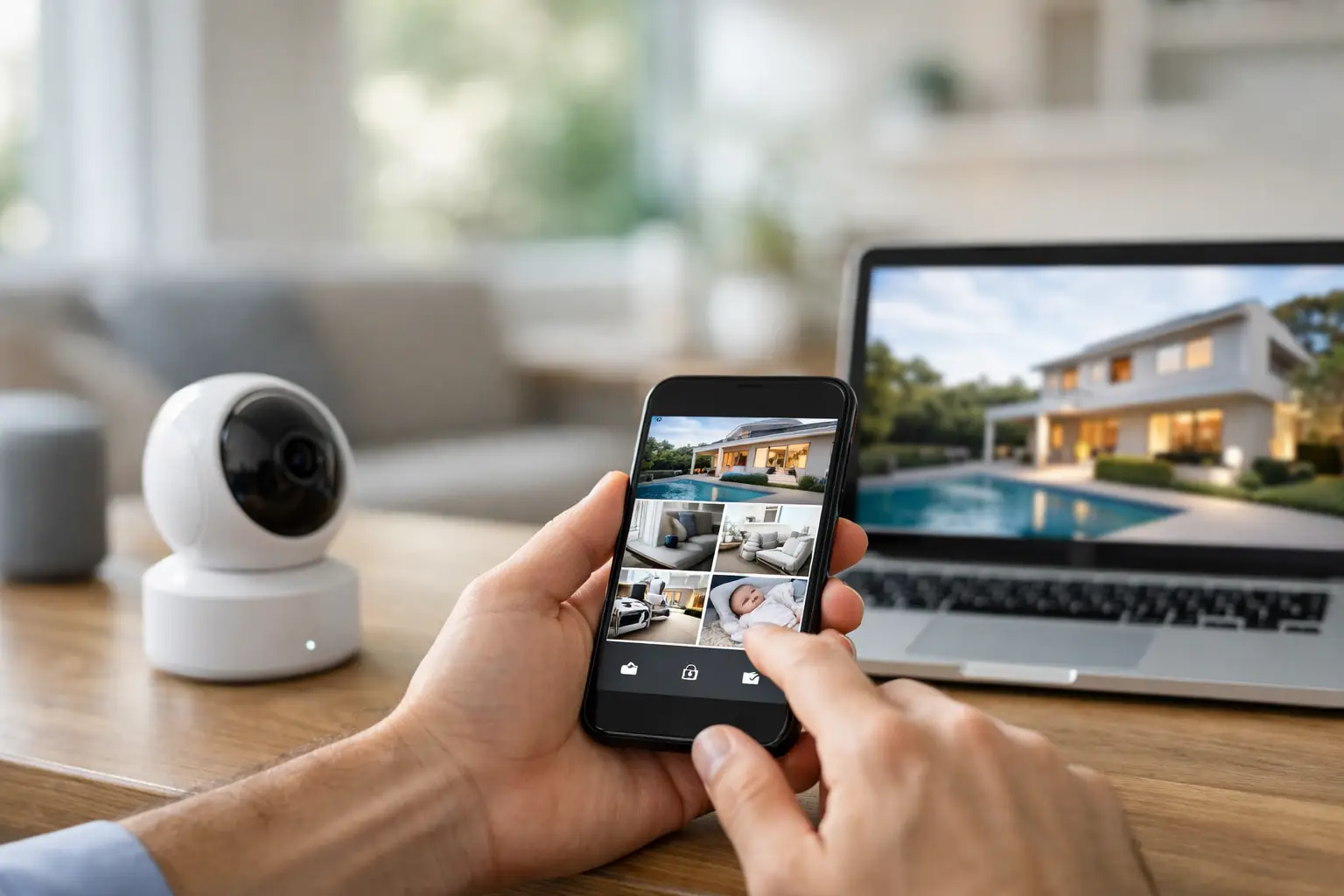
A major reason people choose smart security is control. After the physical devices are installed, the system is connected to the mobile app so users can manage it remotely. This is where the experience shifts from a basic alarm to a connected security platform.
The app setup usually includes creating user accounts, assigning permissions, naming devices, and configuring alerts. A homeowner might want notifications for door openings, package activity, or a water leak. A business owner might want separate access levels for managers and staff, plus alerts after hours.
This part of the installation should feel simple when done correctly. You should be able to arm or disarm the system, lock doors, view cameras, check event history, and respond quickly without needing a manual every time. If the technology feels confusing on day one, the issue is often not the product itself. It is usually the lack of proper setup, walkthrough, and support.
Testing is where the system becomes trustworthy
No installation is complete when the last device is mounted. It is complete when the entire system is tested. That includes each sensor, camera feed, motion zone, automation rule, app notification, and monitoring signal.
This step is easy to underestimate, but it is one of the biggest differences between a rushed install and a professional one. A sensor that appears connected may still need adjustment. A camera may need a different viewing angle to reduce glare or improve nighttime clarity. Notification settings may need to be tuned so users get the alerts they need without constant noise.
For monitored systems, testing also confirms that alarm signals are being sent correctly to the monitoring center. If an event occurs, the response chain has to work immediately. That includes intrusion alerts, fire signals, panic features, and in some systems, video verification that helps confirm what is happening in real time.
Professional monitoring changes how protection works
Many people think installation ends with the equipment, but the monitoring side is part of the setup as well. A smart alarm becomes much more effective when it is connected to 24/7 professional monitoring. Instead of relying only on a phone alert that you might miss, the system has a response path designed for actual emergencies.
This matters even more for people who travel, families with kids at home, and business owners who cannot watch their property every hour. If an alarm triggers, trained professionals can review the signal, follow the response plan, and contact emergency services when needed. Some advanced systems also support video verification and proactive deterrence tools, which can improve response accuracy and help stop incidents earlier.
There is a trade-off here. Professionally monitored systems usually involve an ongoing service cost. For many people, that cost is worth it because they are paying for more than equipment. They are paying for oversight, faster response, and less dependence on doing everything themselves.
Why installation quality matters long term
A smart alarm system is not something you want to think about only when there is a problem. It should fit naturally into daily life. That means the front door locks when it should, the app is easy to check, the camera catches the right activity, and the system arms without hassle at night or when leaving.
That level of reliability usually comes from thoughtful installation, not just good hardware. The equipment matters, but placement, programming, user training, and support matter just as much. The right installer looks beyond today and considers future add-ons too, whether that means adding cameras, environmental sensors, or business access control later.
For homeowners, this creates a safer and more manageable home. For small business owners, it creates better control over property access, visibility, and after-hours protection. In both cases, a professionally installed system removes a lot of guesswork and reduces the chance of weak points being missed.
Fluent Home approaches smart security this way – as a complete protection system, not a box of disconnected devices. When the installation is done right, the technology stays in the background while the peace of mind stays front and center.
If you are evaluating security options, the better question is not just which devices you want. It is whether the full system will be designed, installed, tested, and supported in a way you can trust every day.