A missing delivery, an after-hours door alarm, or a customer dispute can put a small business owner in a difficult position fast. The question is not only what happened, but whether you can see it clearly enough to respond with confidence. That is how business security cameras help: they turn uncertain moments into useful information, help discourage crime before it starts, and keep your business visible when you cannot be there.
For a retail shop, office, restaurant, warehouse, or service business, cameras are most valuable when they work as part of a professionally designed security system. The right coverage, alerts, monitoring, and access controls create a clearer picture of what is happening around your property every day.
How Business Security Cameras Help Prevent Theft
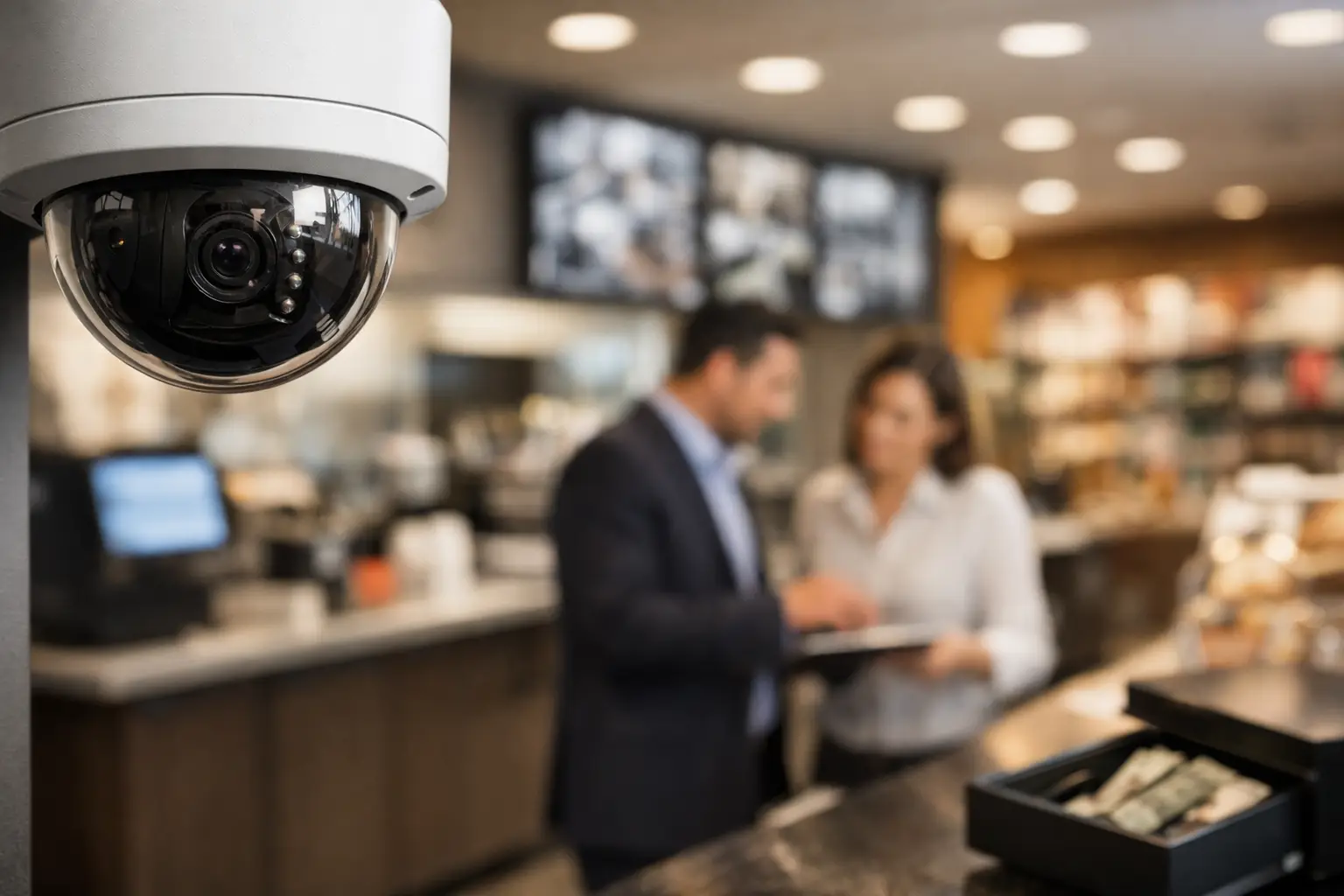
Visible cameras can make an opportunistic intruder think twice. Someone considering a break-in is looking for easy access and little chance of being identified. Well-placed cameras near entrances, loading areas, registers, and inventory storage communicate that the property is watched and that activity may be recorded.
Deterrence is especially effective when cameras are paired with intrusion detection and professional monitoring. A camera alone can document an event, but an integrated system can notify you when a door opens after hours or motion occurs in a restricted area. With AI-enhanced deterrence and video verification options, suspicious activity can be reviewed quickly so the response is based on what is actually happening, not just an unconfirmed sensor alert.
This distinction matters. False alarms waste time and can create frustration for employees and owners. Verified video helps separate a delivery driver arriving early from a person attempting to force entry.
Better Visibility During and After Business Hours
Most business owners cannot be in every location at once. Cameras give you a practical way to check key areas from a mobile app, whether you are at home, traveling, or helping a customer on the other side of the building.
During business hours, live video can help you confirm that a delivery arrived, see whether a front counter needs support, or check activity at a rear entrance. After closing, you can receive alerts for unusual motion, view recorded clips, and see what triggered an event. That visibility can be useful for a single storefront and even more valuable for owners overseeing multiple sites.
The goal is not to watch employees constantly. Good camera coverage supports responsible management by helping owners investigate specific concerns, confirm procedures, and protect people and property. Clear expectations and thoughtful placement are essential. Cameras should focus on entrances, workspaces, stockrooms, parking areas, and other legitimate business security needs, while respecting privacy in areas such as restrooms and changing rooms.
Remote Control Without a Complicated Setup
A professionally installed system removes much of the guesswork from camera placement, network connectivity, and app setup. Instead of trying to decide which lens, angle, or mounting location will cover a vulnerable entry point, you can work with a security professional to identify the areas that matter most.
Mobile control also makes day-to-day use easier. Authorized users can check camera feeds, receive notifications, arm or disarm the system, and manage connected devices from one place. When a manager opens the business early or a contractor needs temporary access, an integrated system can provide more control than keys alone.
Cameras Help Resolve Incidents With Facts
When something goes wrong, memory can be incomplete. A customer may believe an order was left at the door. An employee may report that a vehicle backed into the building. A vendor may say a shipment was delivered. Video can provide a timestamped account of the event and help you decide what action to take next.
That record can help with police reports, insurance claims, internal investigations, and customer conversations. It may also protect your team from unfounded complaints. The value is not simply having footage. It is being able to find the relevant event without spending hours searching through recordings.
Video analytics can make this process more efficient by identifying activity in selected areas and delivering relevant alerts. The best configuration depends on your property. A busy retail entrance needs different settings than a quiet warehouse gate, where any after-hours motion may deserve immediate attention.
Safer Access for Employees, Customers, and Vendors
Security cameras are not only about preventing loss. They can support a safer environment for the people who keep your business running. Exterior cameras help staff see activity near entrances and parking areas. Interior coverage can help managers respond to conflicts, slips, falls, or emergencies with better information.
When cameras work alongside access control, you gain a stronger view of who entered and when. Rather than rekeying doors after staff changes or handing out extra keys, authorized users can receive managed credentials. Access can be limited by door, day, or time, which is useful for cleaners, vendors, and employees with different schedules.
For businesses that handle cash, valuable inventory, sensitive documents, or controlled equipment, this combination adds accountability without creating unnecessary friction. Employees can enter the areas they need, while owners maintain a record of access activity and video context if an issue occurs.
Protect More Than the Front Door
Many losses and disruptions begin in overlooked places: a side entrance propped open, a loading dock left unsecured, a package sitting behind the building, or a water leak in an unoccupied office. Camera coverage should reflect how your business actually operates, not just point at the front entrance.
A custom plan may include cameras at public entryways, back doors, cash-handling areas, inventory rooms, parking lots, loading zones, and exterior gates. The right locations depend on foot traffic, lighting, building layout, local regulations, and the specific risks your business faces.
Cameras become even more useful when combined with environmental protection. Smoke, carbon monoxide, flood, and temperature-related alerts can help you act before an after-hours problem turns into a costly shutdown. For example, a water sensor may alert you to a leak, while a nearby camera helps you assess the situation before you arrive.
What Cameras Cannot Do on Their Own
Security cameras are powerful, but they are not a complete security strategy by themselves. Poor placement can leave blind spots. Low-quality video may not capture usable details in difficult lighting. And recorded footage cannot stop an incident that is already underway.
That is why system design matters. A business with frequent customer traffic may prioritize high-visibility entry cameras and interior coverage. A contractor with equipment stored outside may need stronger perimeter protection, lighting, and after-hours motion alerts. A small office may benefit most from controlled door access, a few well-positioned cameras, and professional monitoring.
It also depends on how quickly you need help. Self-monitoring lets you see alerts yourself, but you may be unavailable during a meeting, asleep, or unable to verify an event. Professional monitoring and video verification add another layer of support when time matters most.
Build a Camera System Around Your Business
The best business camera system is not necessarily the one with the most devices. It is the one that covers your real risks, gives you usable alerts, and fits naturally into the way your team works. Start by considering where people enter, where valuable items are stored, when the building is empty, and which incidents would cause the most disruption.
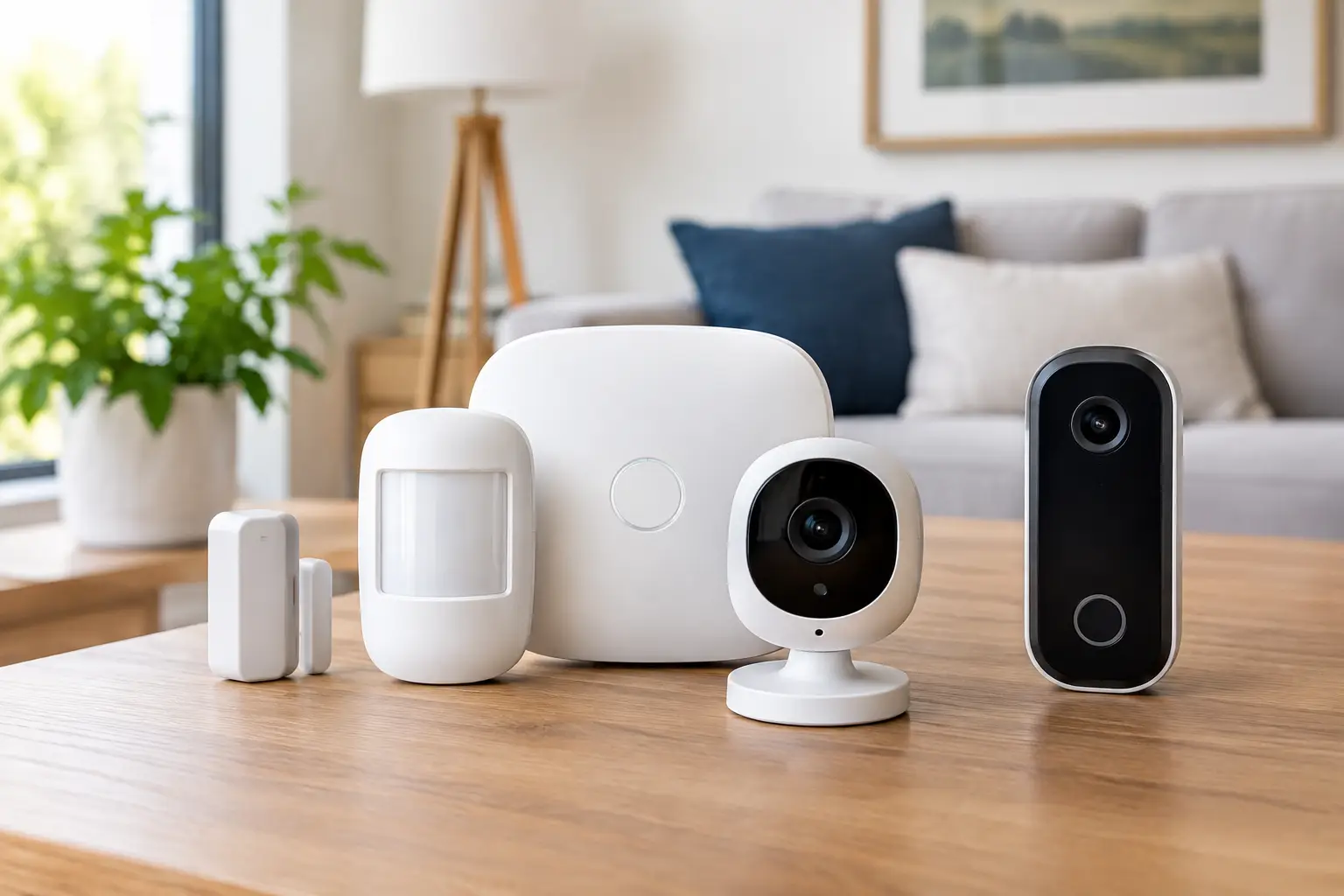
From there, a professional security consultation can help you choose the right mix of video surveillance, intrusion detection, access control, smart automation, and 24/7 monitoring. Fluent Home designs integrated systems around the property and the priorities of the business, so you can manage protection from one easy-to-use app instead of piecing together disconnected devices.
A camera should give you more than a recording to review after a problem. With the right system behind it, it can help you spot concerns sooner, respond with clarity, and keep your attention where it belongs: serving customers and running your business with greater peace of mind.