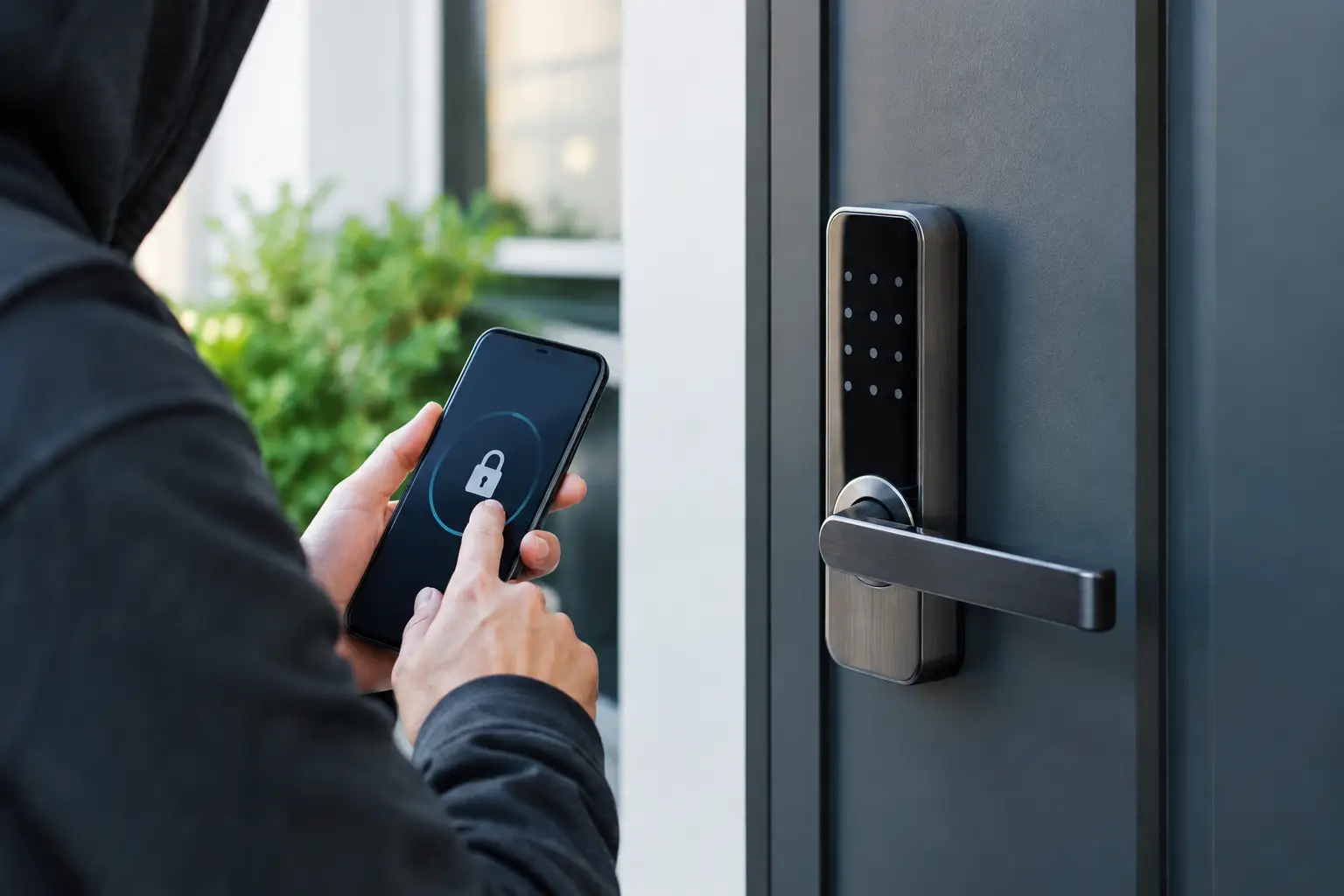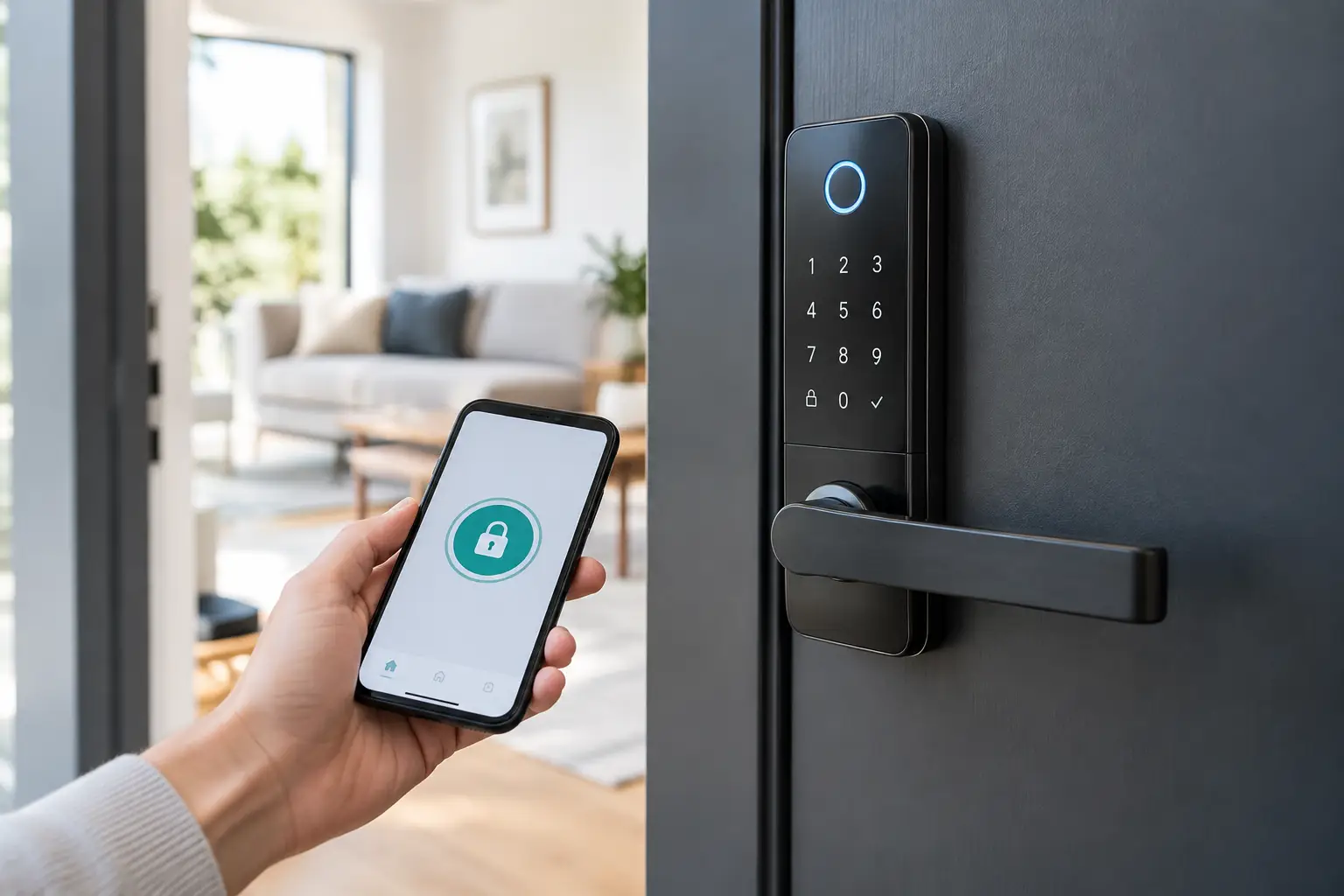
A tenant calls after losing a key. A cleaner needs access between guests. A former resident may still have a copy. These are everyday rental-property problems, not rare emergencies. The best smart locks for rentals replace key uncertainty with controlled access, clear activity records, and the ability to change entry codes without changing the hardware.
For landlords, vacation-rental hosts, and property managers, the right lock does more than open a door from a phone. It helps protect the property, simplify turnover, and give authorized people access only when they need it. The right choice depends on the door, the property type, local rules, and whether the lock needs to work as part of a larger professionally monitored security system.
What Makes a Smart Lock Right for a Rental?
A rental-ready smart lock should make access easier to manage without making security harder to maintain. That usually means a dependable keypad, individual user codes, remote code management, and an audit trail showing when the door was opened. A physical key override is also valuable. Batteries can run low, phones can be lost, and a backup entry method prevents a minor issue from becoming a lockout.
Start with the door itself. Most residential exterior doors use a standard single-cylinder deadbolt, which gives owners the broadest range of choices. Narrow doors, multipoint locks, older frames, and doors with separate handles may require a more specialized solution. For an apartment or condominium, the lease, homeowners association, or building management may also limit what can be changed on the exterior door.
Connectivity deserves equal attention. Bluetooth locks work well for nearby phone control, but remote management normally requires a Wi-Fi bridge or hub. Wi-Fi locks can offer direct remote access, although they may use batteries faster. Z-Wave and similar connected-lock options are often a strong fit when the property already uses a security panel and smart home hub. Rather than adding another disconnected app, the owner can manage access alongside cameras, alarms, and other protective devices.
Best Smart Locks for Rentals by Property Need
There is no single best option for every rental. A lock that works well for a short-term rental may create unnecessary complications at a long-term single-family home. Match the lock type to how people actually enter the property.
Keypad deadbolts for long-term rentals
For most traditional rentals, a keypad smart deadbolt is the practical starting point. Residents can use a personal code every day, while the owner keeps a separate management code. At move-out, the old resident’s code can be removed and a new one issued without rekeying the lock.
Choose a model with enough code capacity for household members and trusted service providers. Look for automatic locking, low-battery alerts, a weather-rated exterior keypad, and a quiet motor if the door is close to bedrooms. Auto-lock is particularly useful for rentals because it protects against the common habit of leaving in a hurry and forgetting the deadbolt.
For a property with a professionally installed security system, an integrated keypad deadbolt is often the better long-term investment. The lock can be operated from the same mobile app as the alarm and cameras, reducing the need to switch between platforms when checking on an empty home.
Scheduled-code locks for short-term rentals
Short-term rental hosts need fast, reliable turnover. A smart lock that creates temporary codes with specific start and end times can remove the need for key handoffs, lockboxes, and late-night coordination. A guest’s code can become active near check-in and expire after checkout, while housekeeping and maintenance teams use their own restricted codes.
Code scheduling is convenient, but it should not be the only protection in place. Pair the front-door lock with a visible doorbell camera or exterior camera where permitted. Video coverage can help verify arrivals, deter unwanted activity near entryways, and give hosts a clearer picture when a guest reports an access issue.
For vacation rentals in areas with inconsistent internet service, prioritize a lock that continues to accept locally stored keypad codes during a Wi-Fi outage. Remote changes may have to wait until the connection returns, but scheduled guest access should not depend entirely on cloud service.
Smart deadbolts for single-family rental homes
Single-family rentals often have more entry points to consider: front doors, garage-entry doors, side doors, and gates. The best approach is usually to secure the primary entrances with the same access system rather than installing unrelated locks one at a time.
An integrated system gives owners better oversight when the home is vacant. A door opening can trigger a camera recording or an alert. The lock can be checked remotely after a contractor leaves. If the home is being prepared for a new resident, access can be limited to specific people and times rather than relying on a shared key hidden on-site.
This setup is especially valuable for owners who live far from their rental. Smart control does not replace property inspections or good tenant communication, but it can reduce unnecessary trips for basic access changes.
Commercial-grade access for multi-unit or business rentals
A small office, storefront, or multi-unit property may need more than a residential keypad deadbolt. Commercial access control is designed for higher traffic, more users, and more detailed permissions. It can allow different access schedules for employees, vendors, managers, and cleaning crews while creating a stronger record of entry events.
For shared commercial spaces, durability matters as much as app features. Look for hardware rated for the door’s traffic level, compatible with fire and building requirements, and installed correctly for the frame and strike plate. A smart lock that binds or fails to latch consistently is a security problem, regardless of how polished its software looks.
Features Worth Paying For
When comparing the best smart locks for rentals, focus on the features that reduce operational risk. Individual codes are better than a single shared code because access can be removed person by person. Activity history helps resolve simple questions, such as whether a vendor arrived or a resident entered after receiving a new code.
Automatic locking is useful, but set the delay carefully. A very short delay can be frustrating when someone is carrying groceries or taking out trash. A longer delay may leave the door exposed. Many rental owners find a 30- to 60-second setting practical, but the right setting depends on the property and resident preferences.
Battery monitoring should be non-negotiable. Choose a lock that sends early low-battery alerts, not just a warning after power is nearly gone. During turnover, make battery replacement part of the standard checklist. Keep the correct battery type on-site or with the property manager, and test the physical key override before it is needed.
A built-in alarm or tamper alert can add another layer of awareness, particularly at vacant properties. Still, an alert is most useful when it reaches someone who can act. Connecting the lock with monitored intrusion protection, cameras, and mobile notifications creates a more complete response plan than relying on the lock alone.
Avoid These Rental Smart Lock Mistakes
Do not install a smart lock without checking who owns the door hardware. Tenants should receive written approval before altering a lock, and landlords should follow local laws governing entry, notice, privacy, and key access. Smart access must never become a tool for entering an occupied residence without proper notice and legal authority.
Avoid sharing one permanent code with every resident, vendor, and family member. It may feel simple at first, but it creates confusion later. Individual, time-limited credentials are easier to manage and safer after staffing or tenancy changes.
Do not assume every lock works with every smart home system. Verify compatibility with the control panel, mobile app, voice controls, and any camera or alarm system before purchase. A professional consultation can prevent costly hardware changes and help ensure the lock, door, network, and monitoring plan work together as intended.
Finally, do not overlook installation quality. A deadbolt must align correctly with the strike plate, latch fully, and operate without forcing the door. Poor alignment drains batteries, strains the motor, and can leave the door less secure. Professional installation is a smart choice for owners who want reliable operation from day one.
Build Access Control Around Real Protection
A smart lock is one part of a rental security plan, not the whole plan. The strongest setup connects entry control with visible deterrence, video verification, intrusion detection, and responsive support. Fluent Home can help property owners design a professionally installed system that brings these protections into one easy-to-manage experience.
Before choosing a lock, walk through a normal month at the property: resident arrivals, guest stays, maintenance visits, turnover days, and unexpected lockouts. The best choice is the one that gives every authorized person simple access while keeping control of the property firmly in the right hands.